
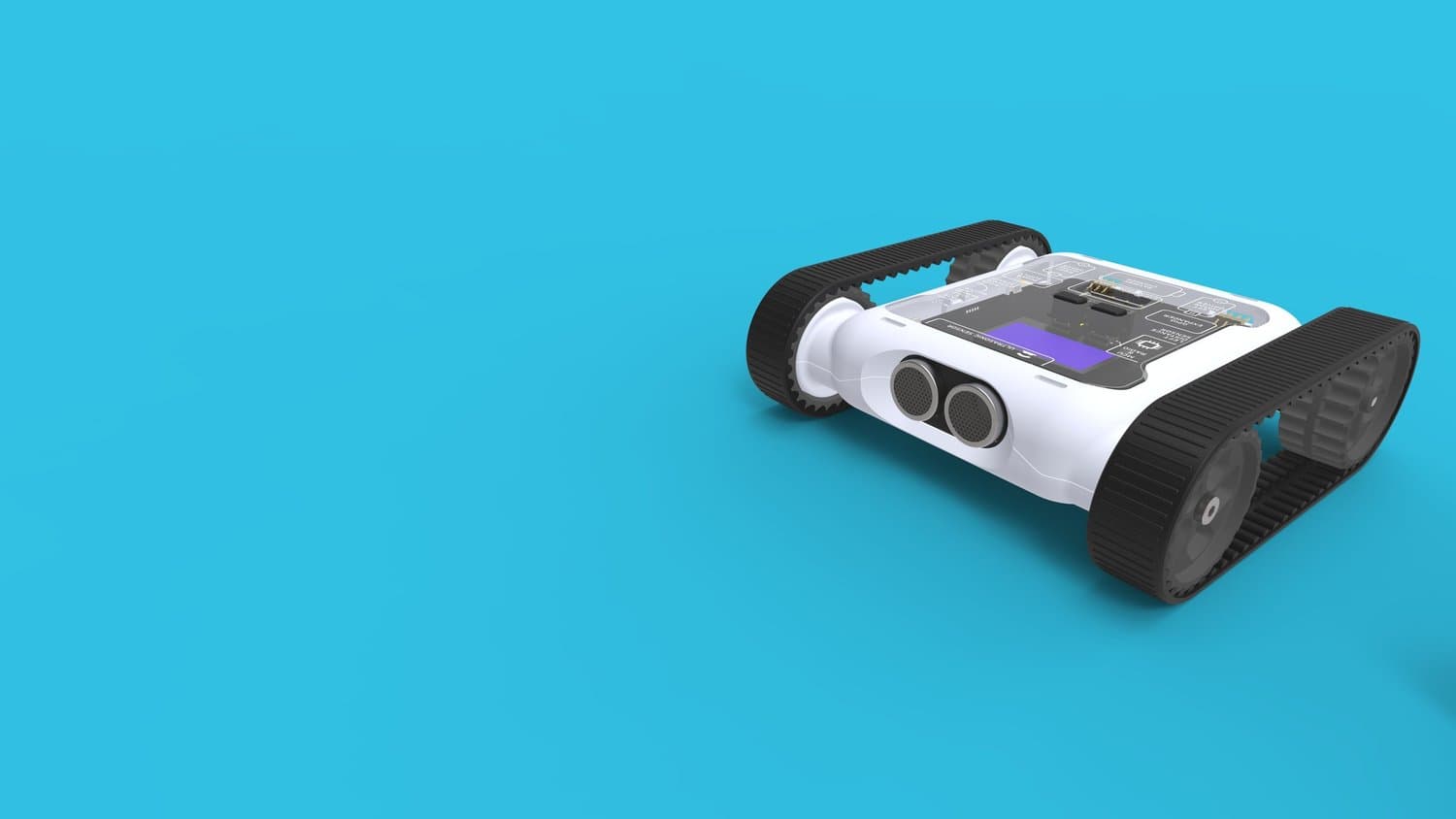
Micromelon Rover
The fastest way to get students coding real robots. Tough enough for every classroom.
Activities
Explore the wide range of activities students can complete with the Micromelon Rover.
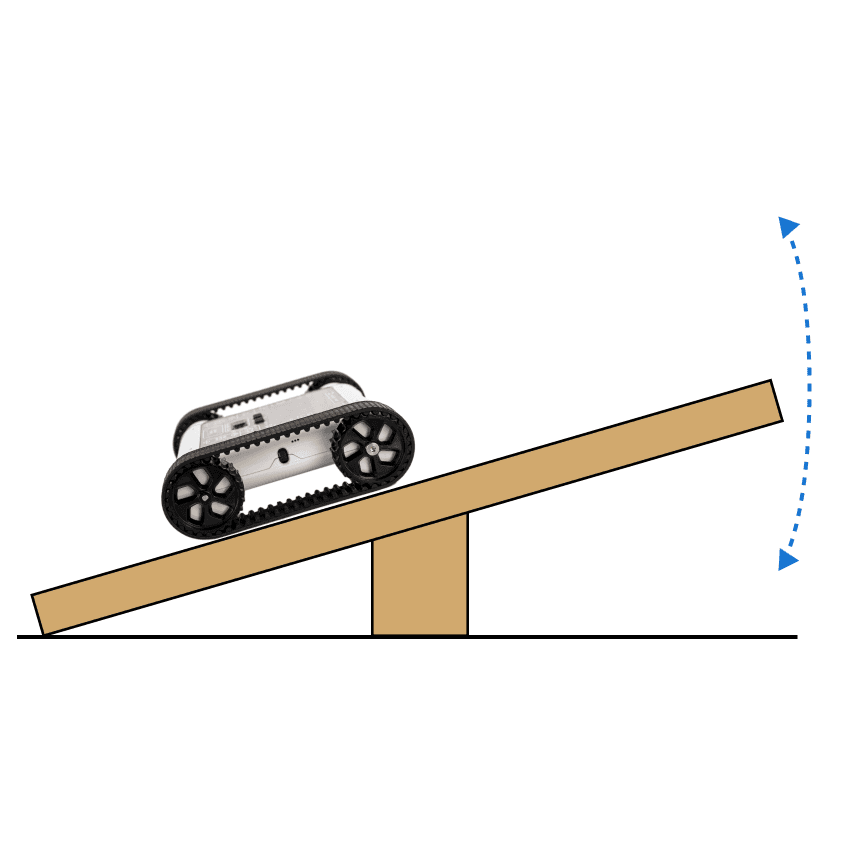
Balance Bot
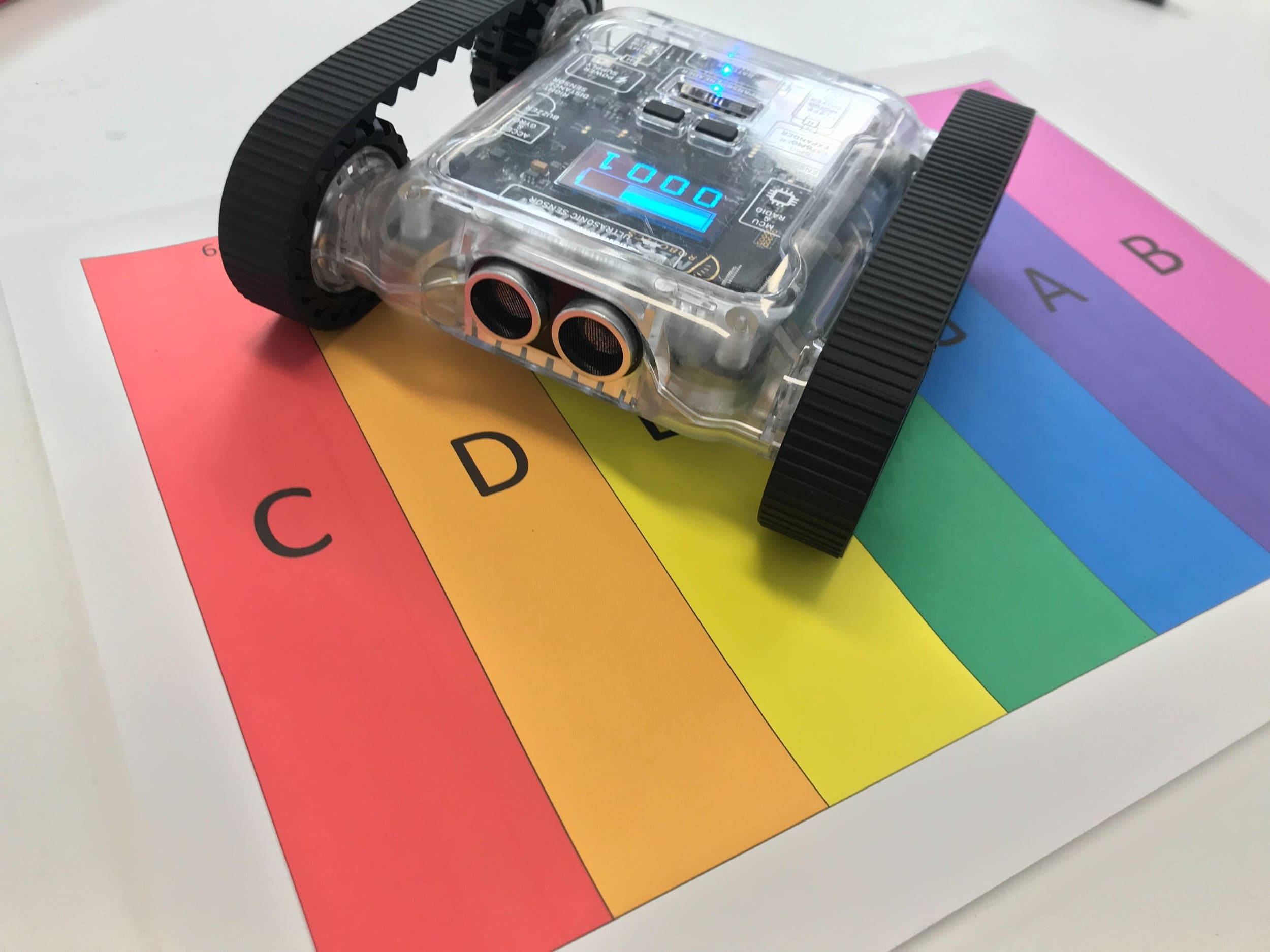
Rover Theremin
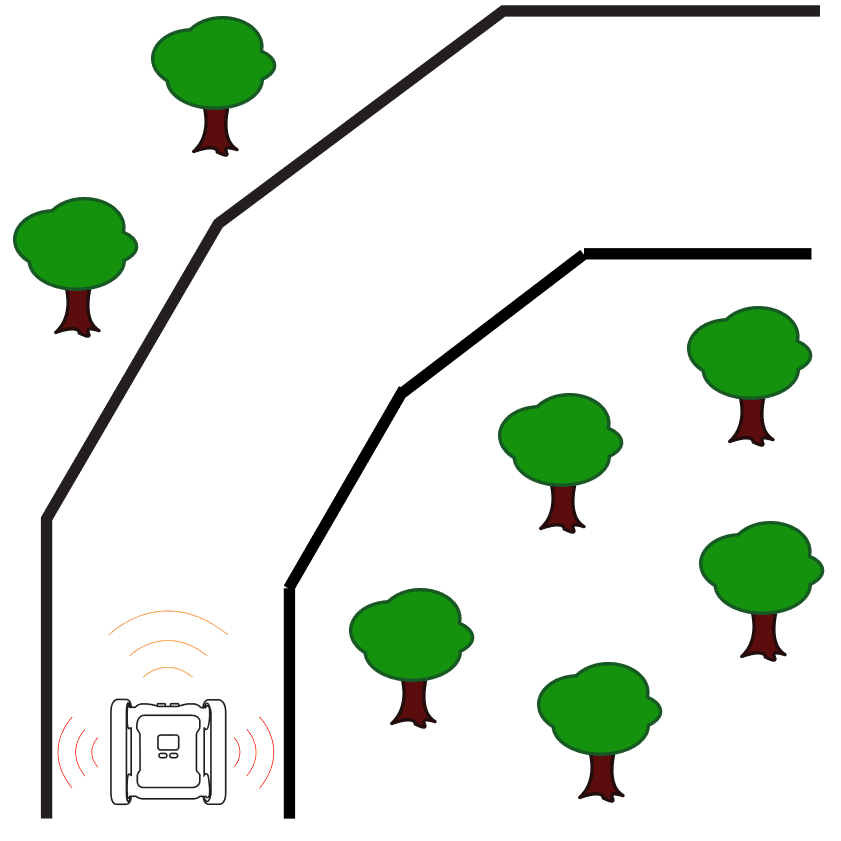
Lane Guidance
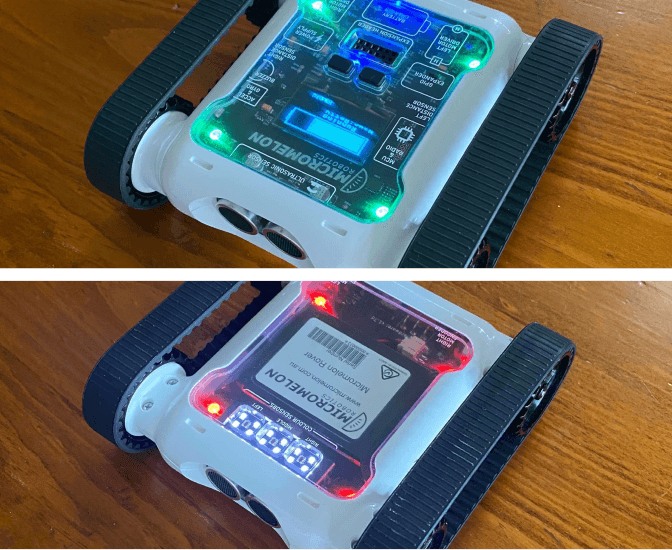
Turn Over Rover
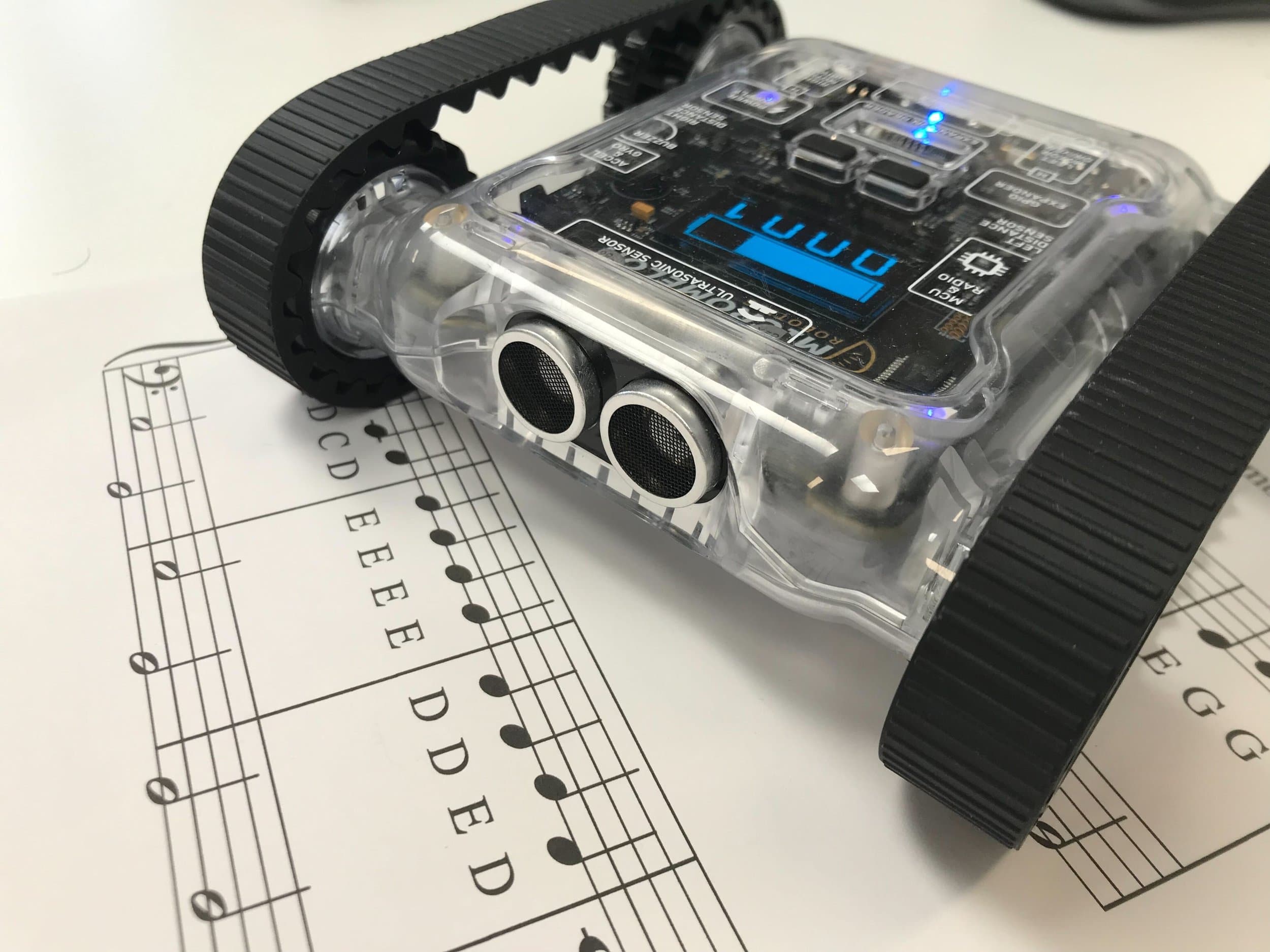
Making Music I
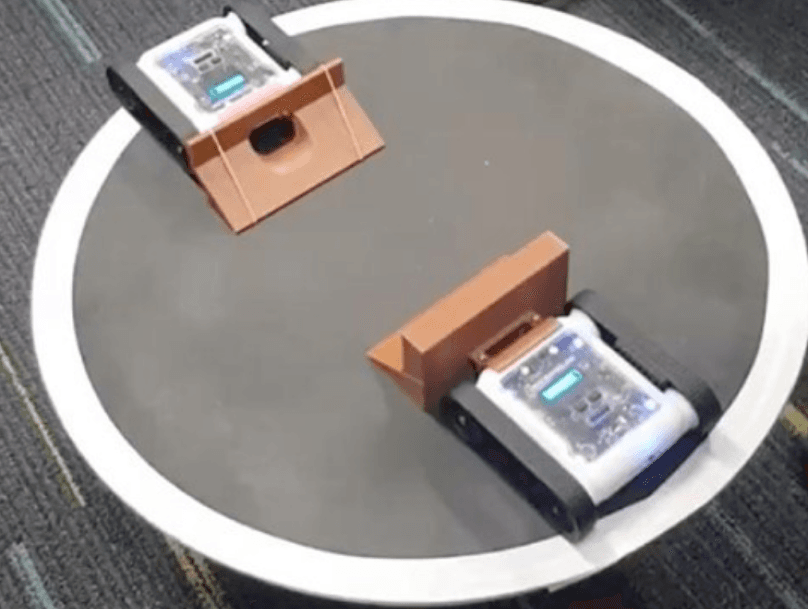
Sumo III
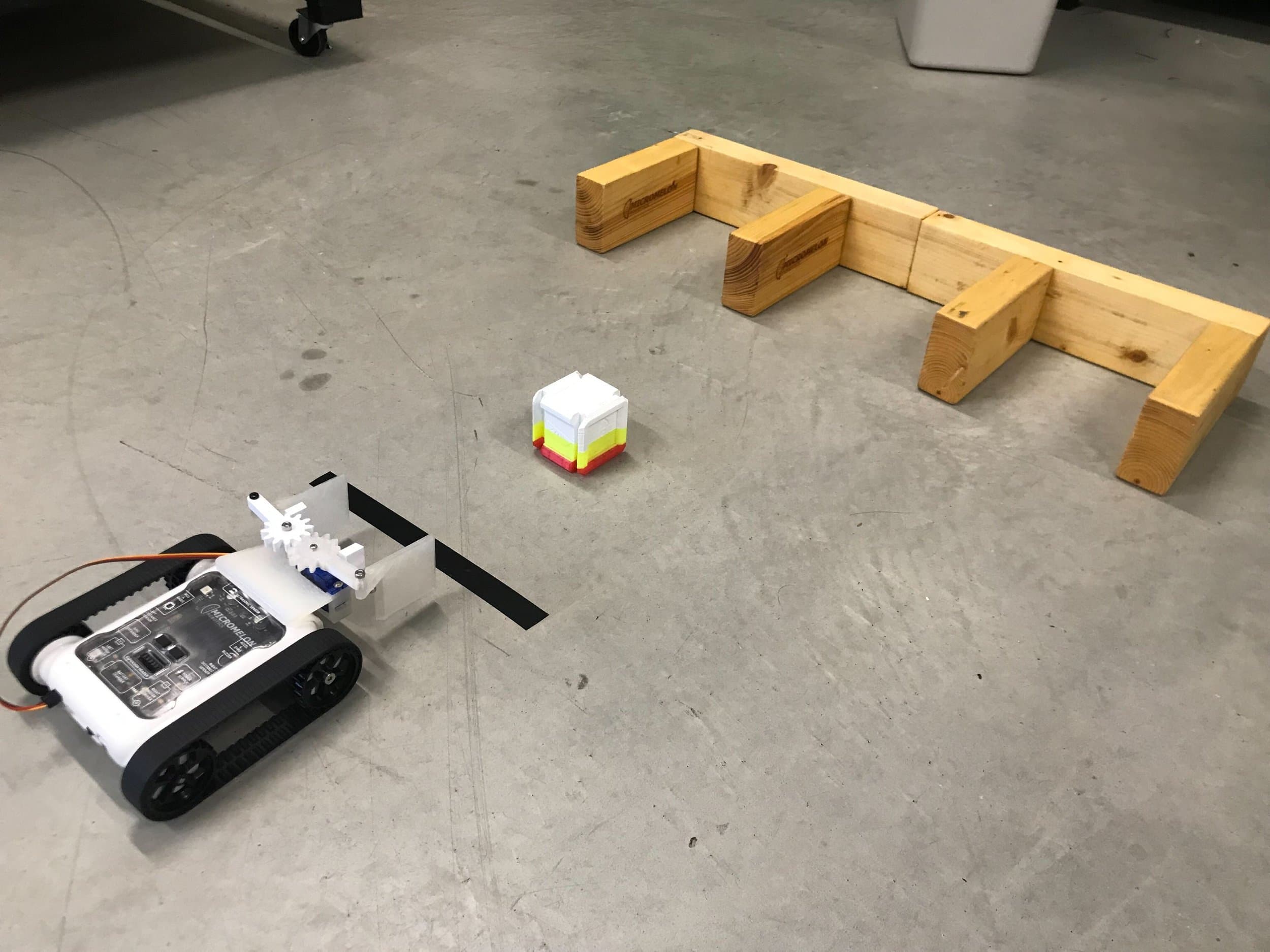
Claw Attachment
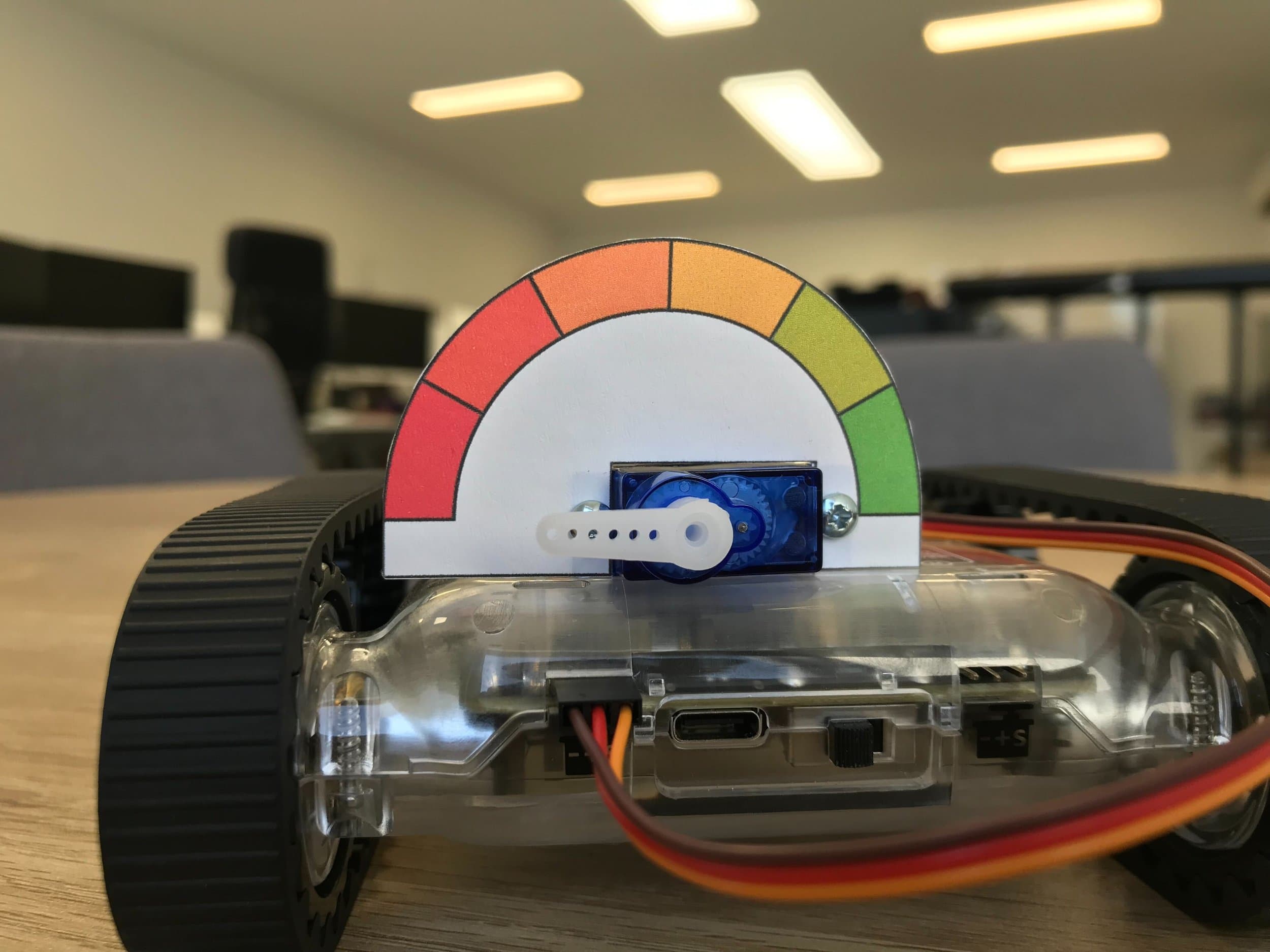
Servo Gauge
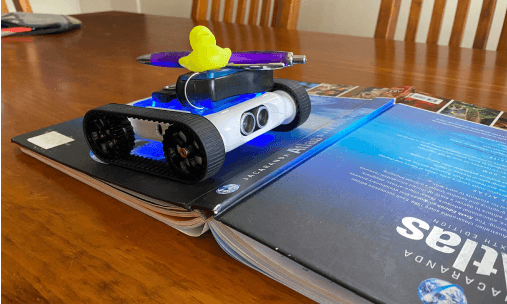
Cargo Bot
Sumo II
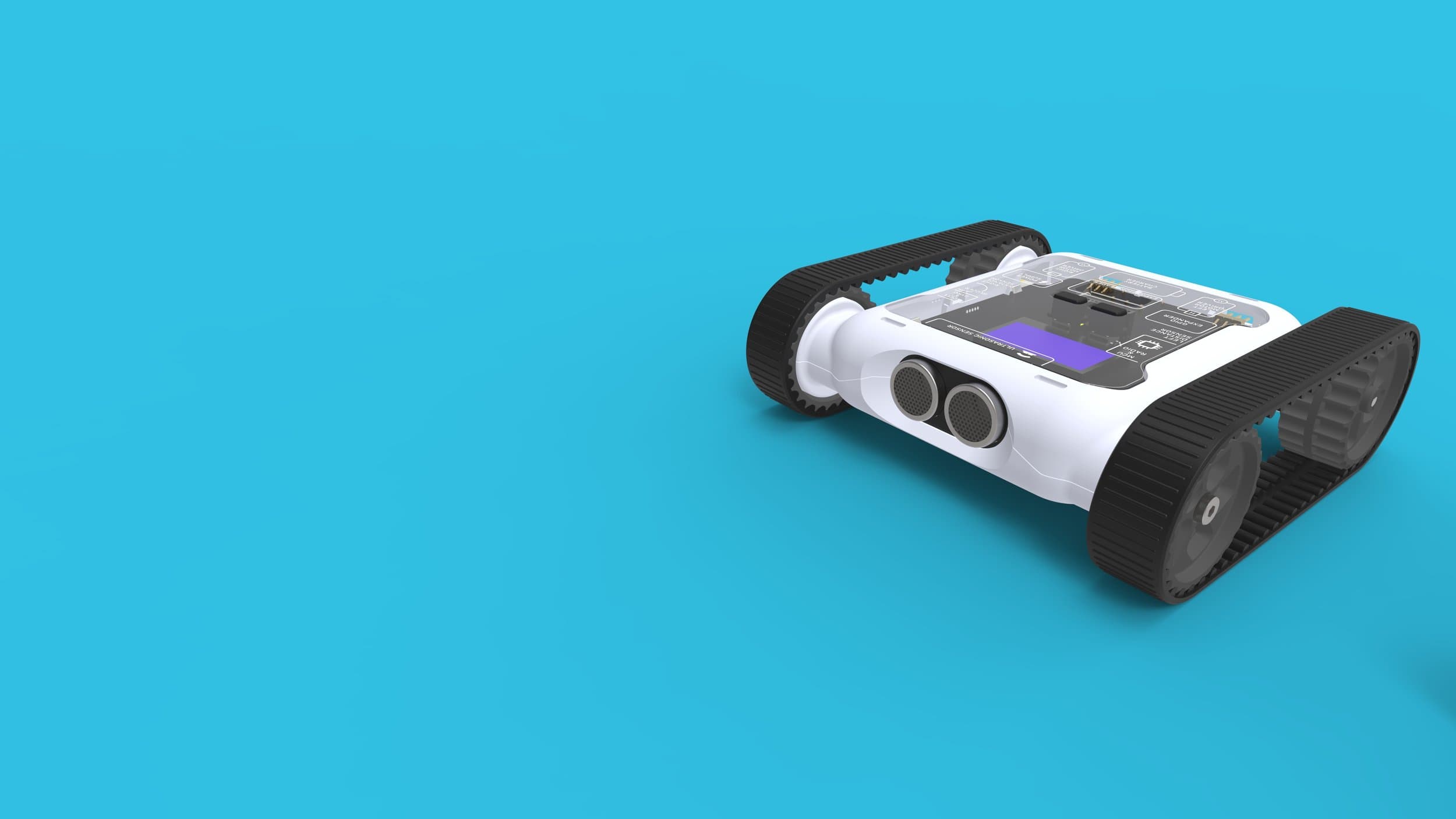
Spike Drop
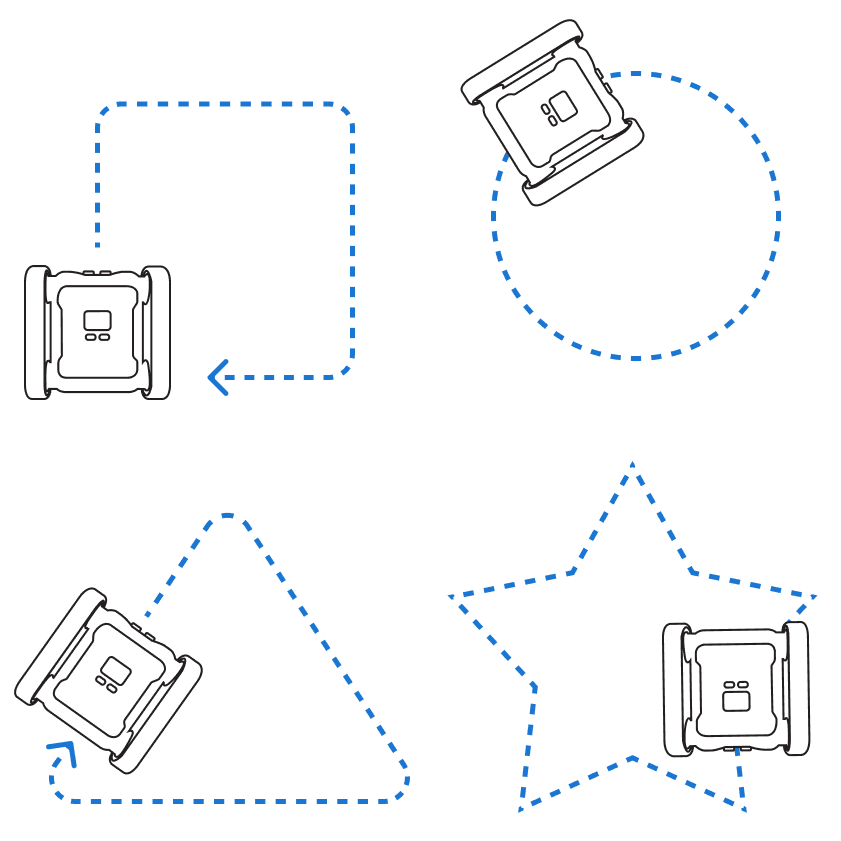
Driving Shapes
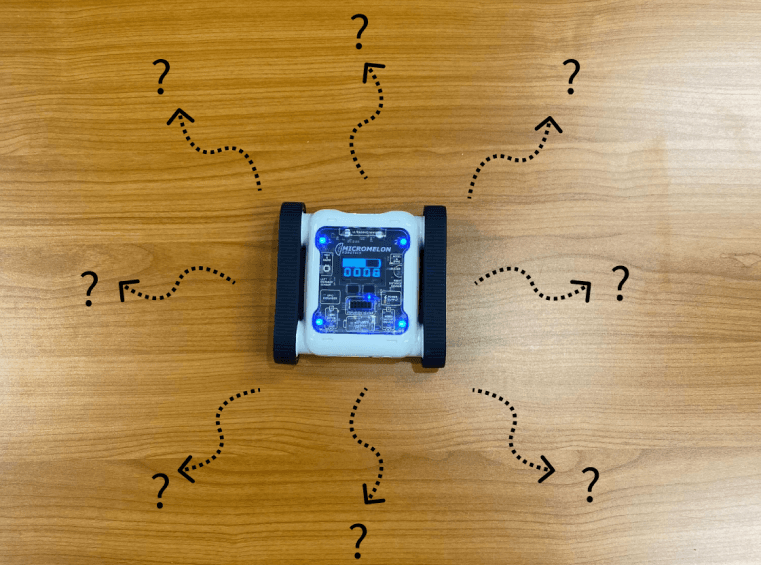
Random Bug Bot
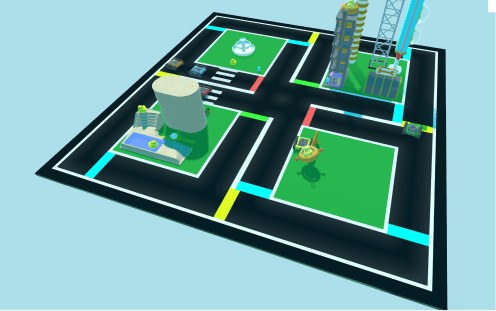
Driving School Basics
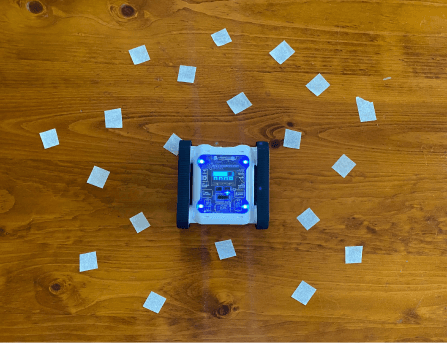
Random Bug Bot 2
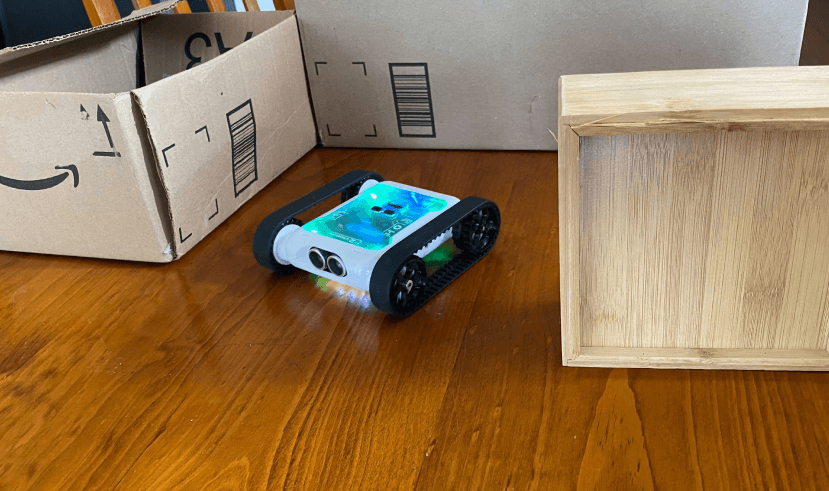
Roaming Rover
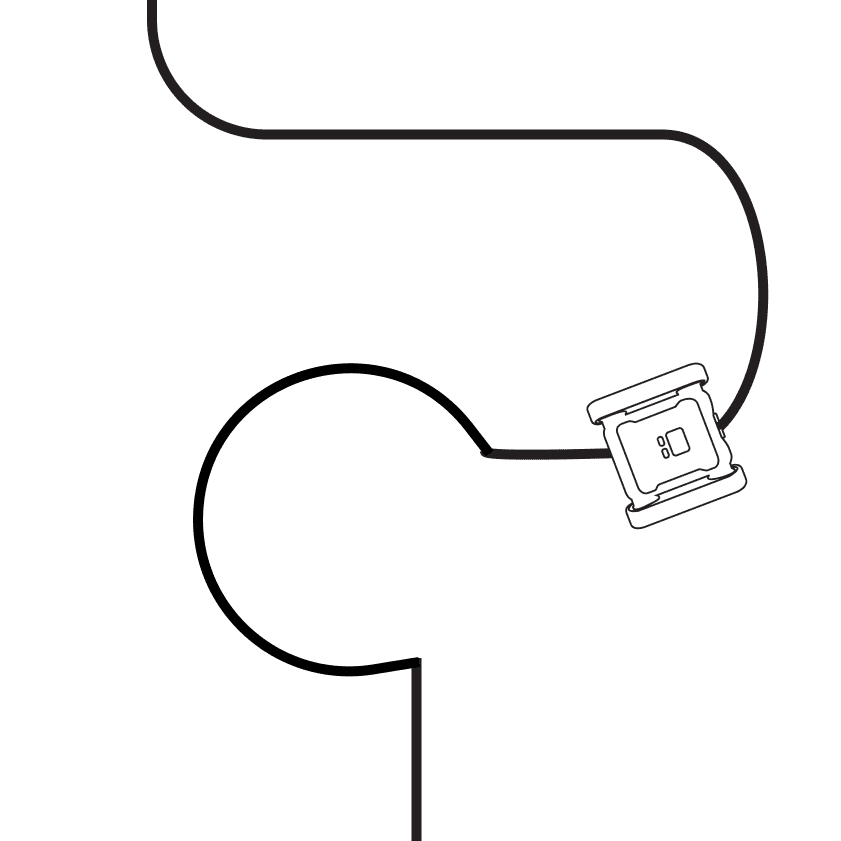
Line Following
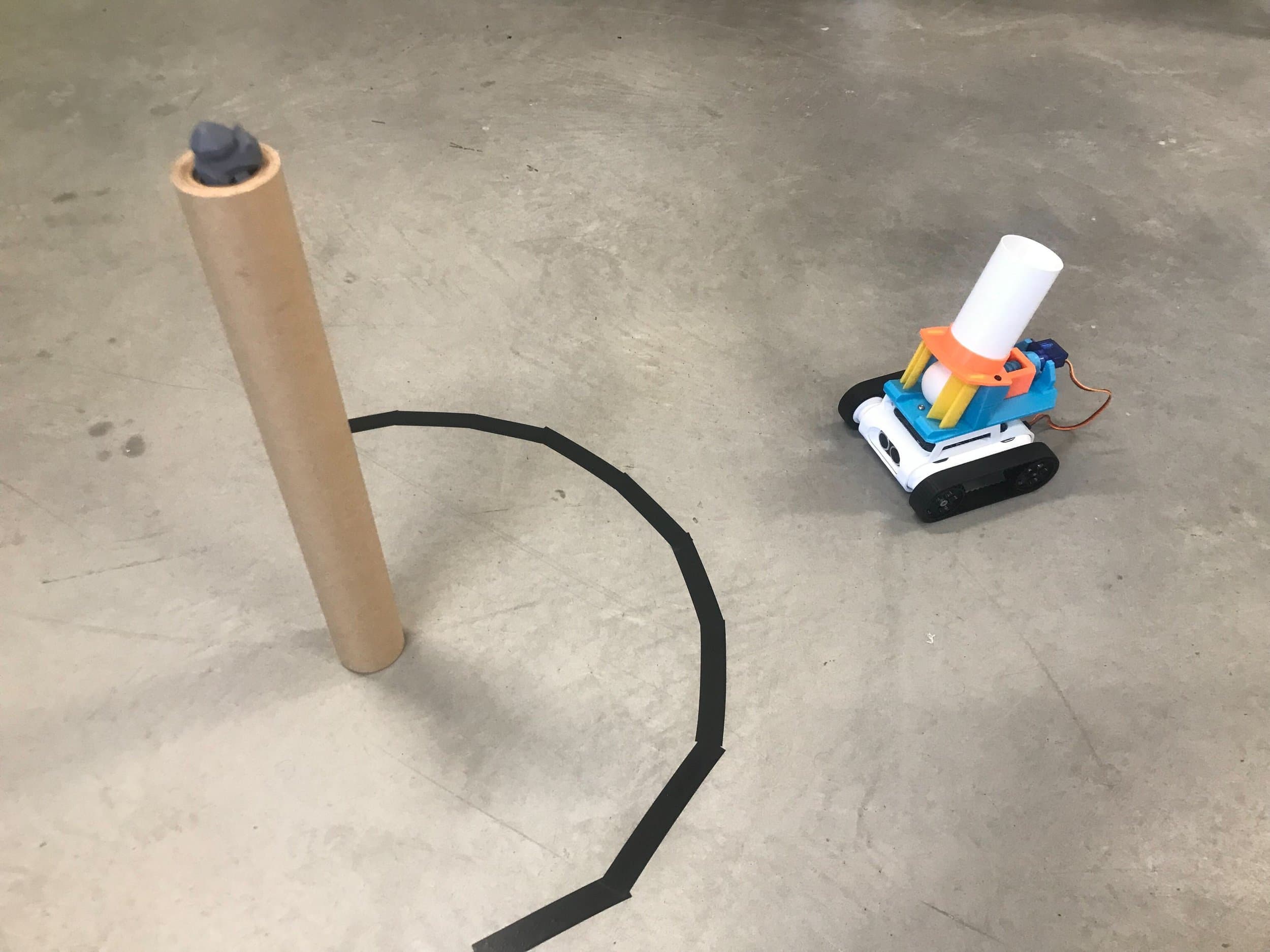
Ping-Pong Shooter
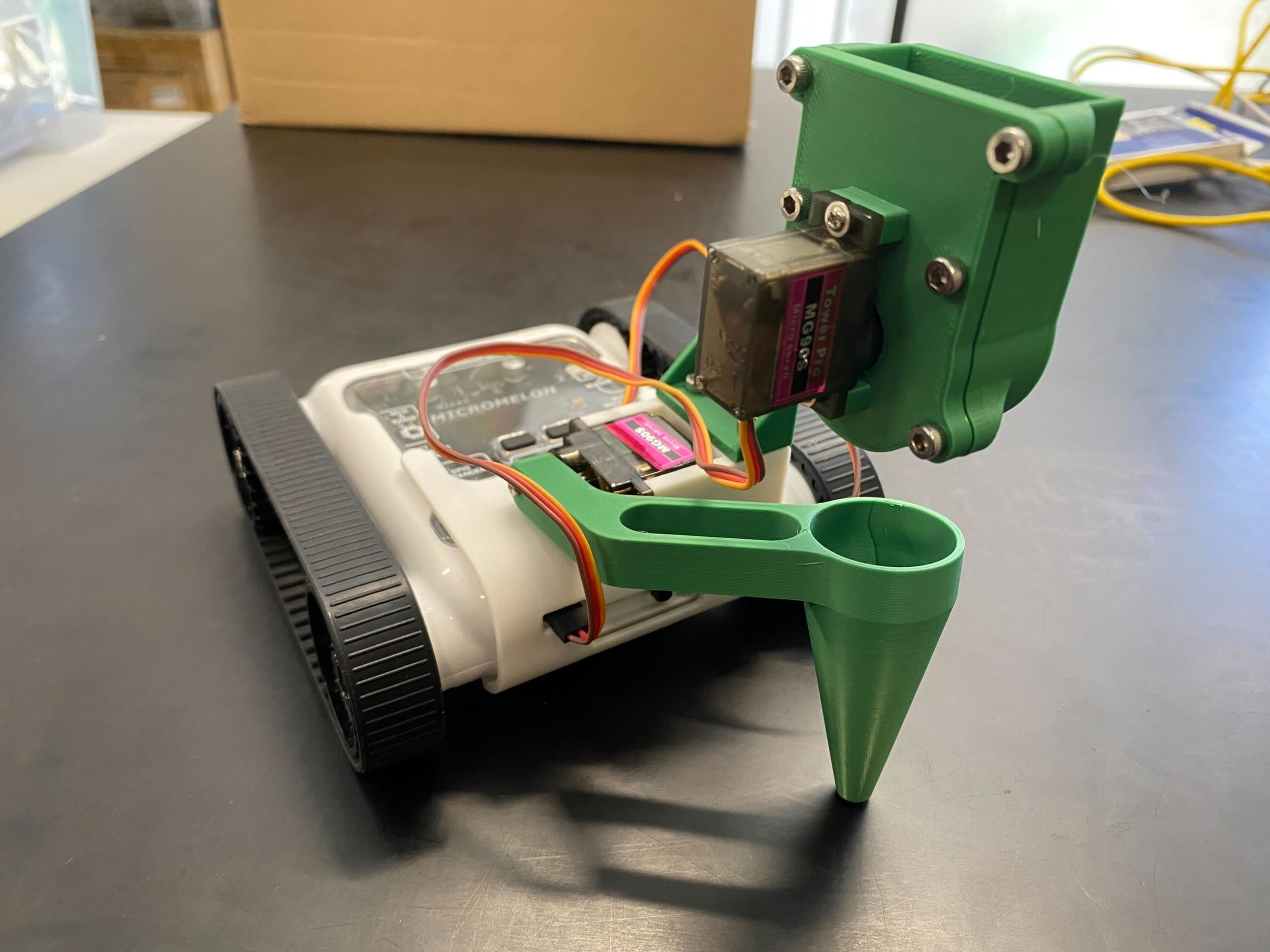
Seed Planter
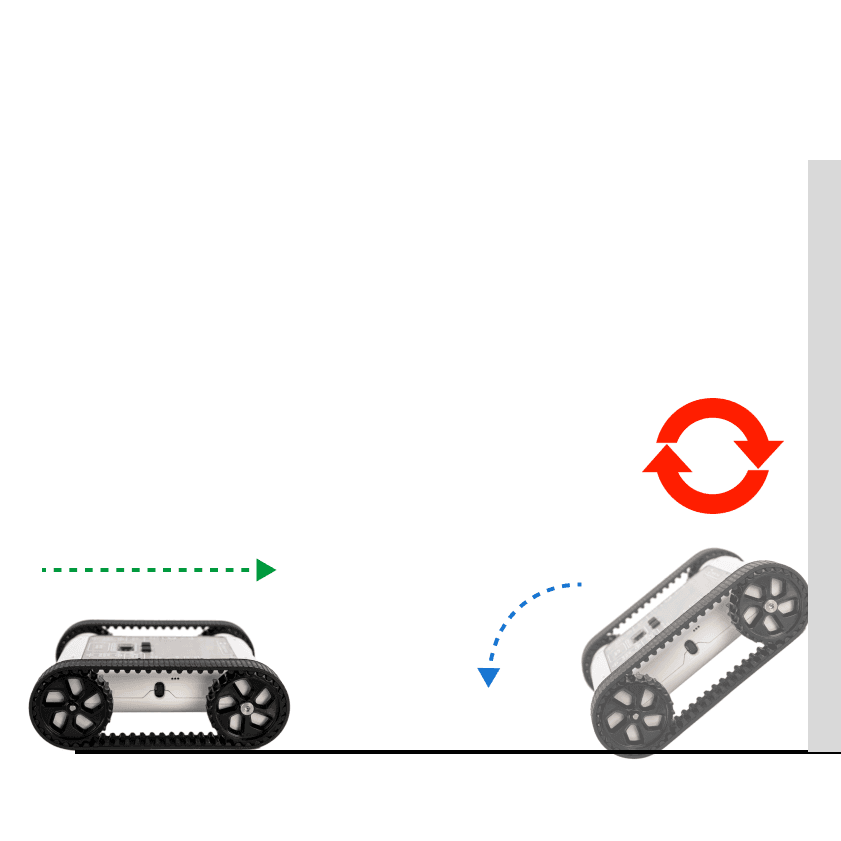
Flip Bot
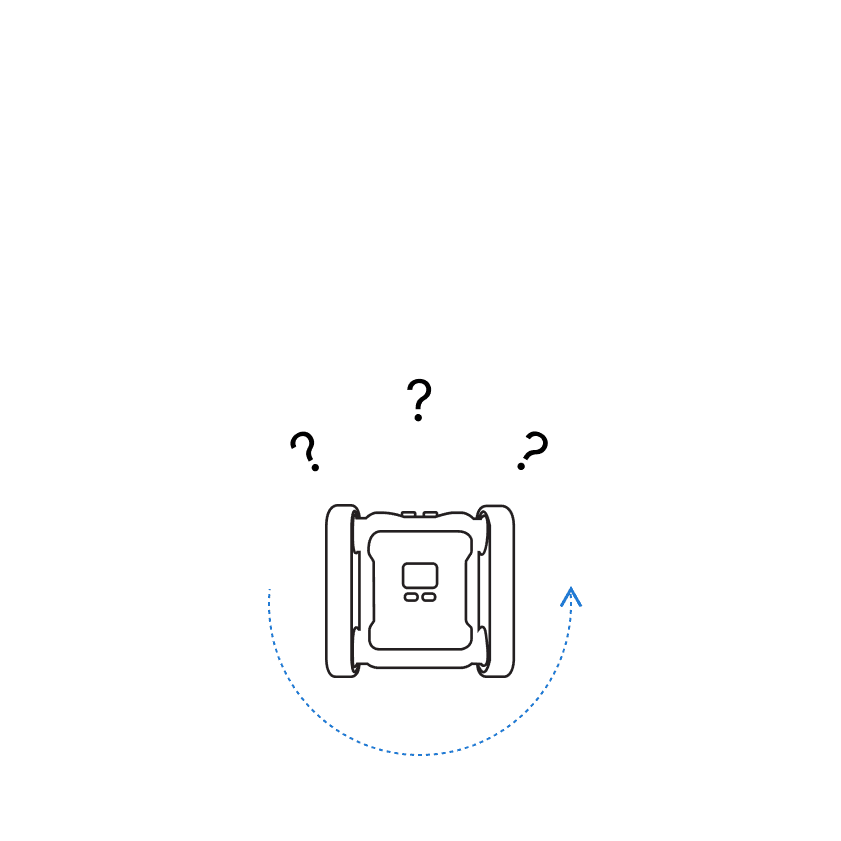
Puppy Bot
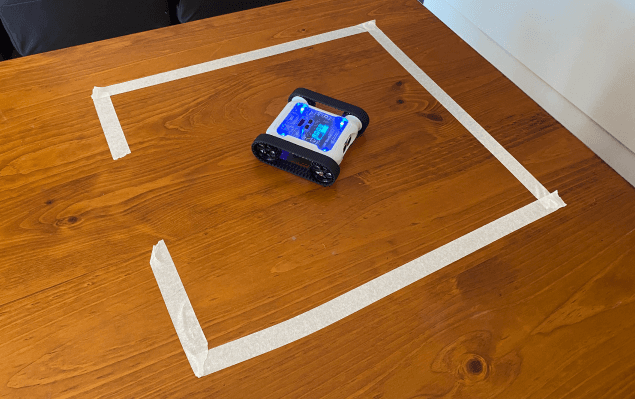
Prison Escape
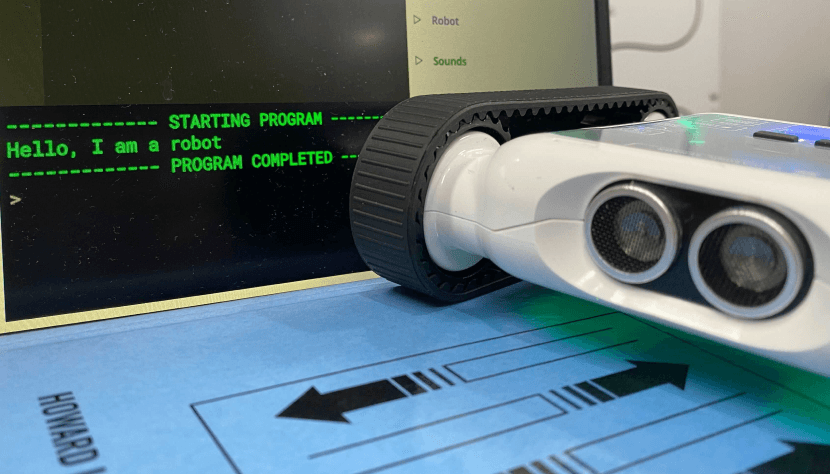
Conversation Bot

Wind-up Rover
Sumo I
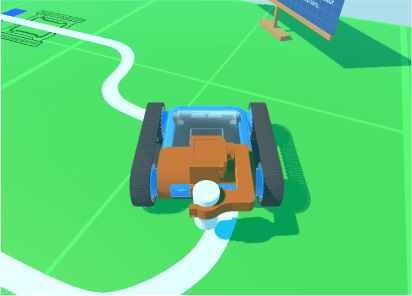
Rover Van Gogh
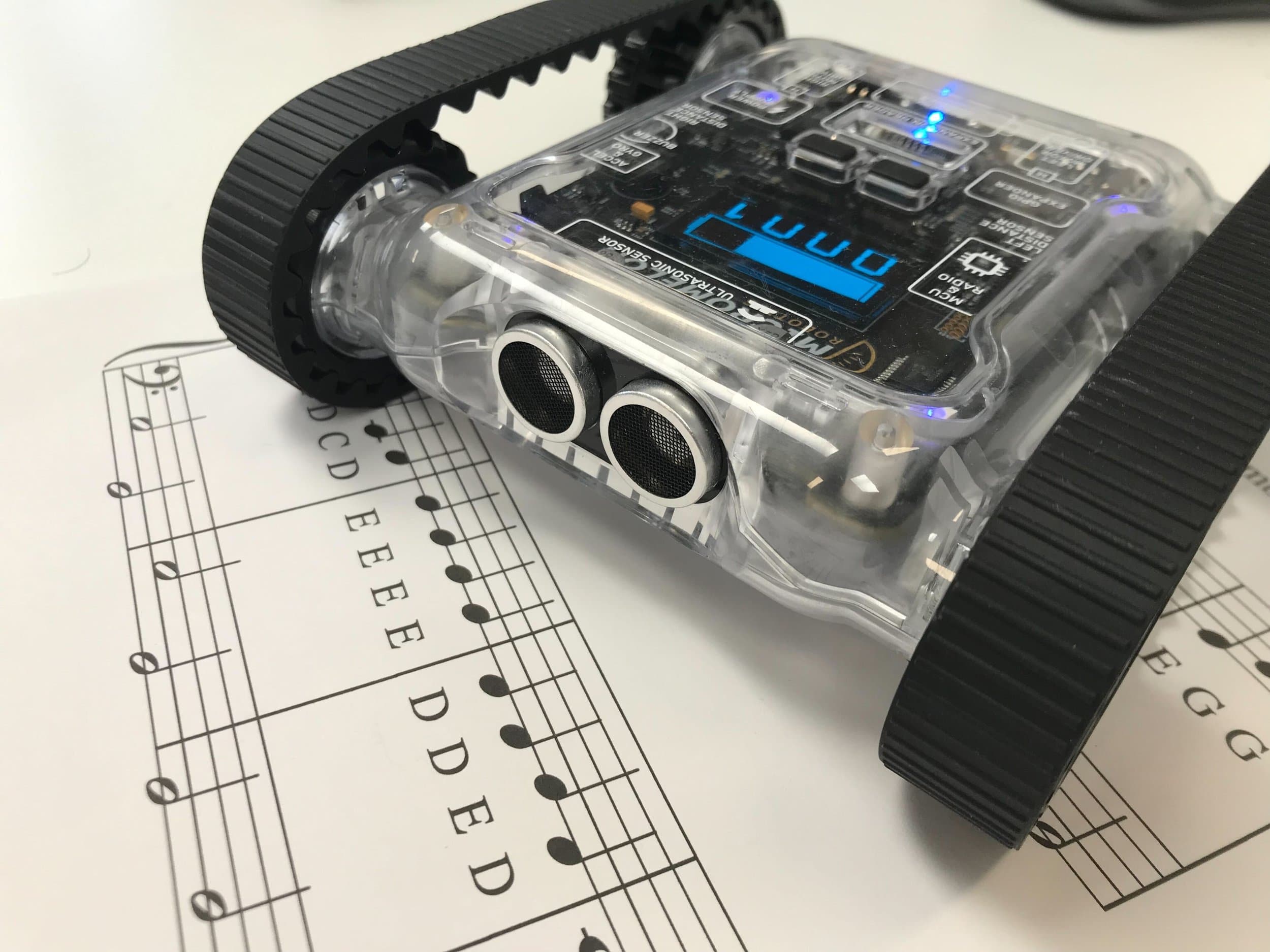
Making Music II
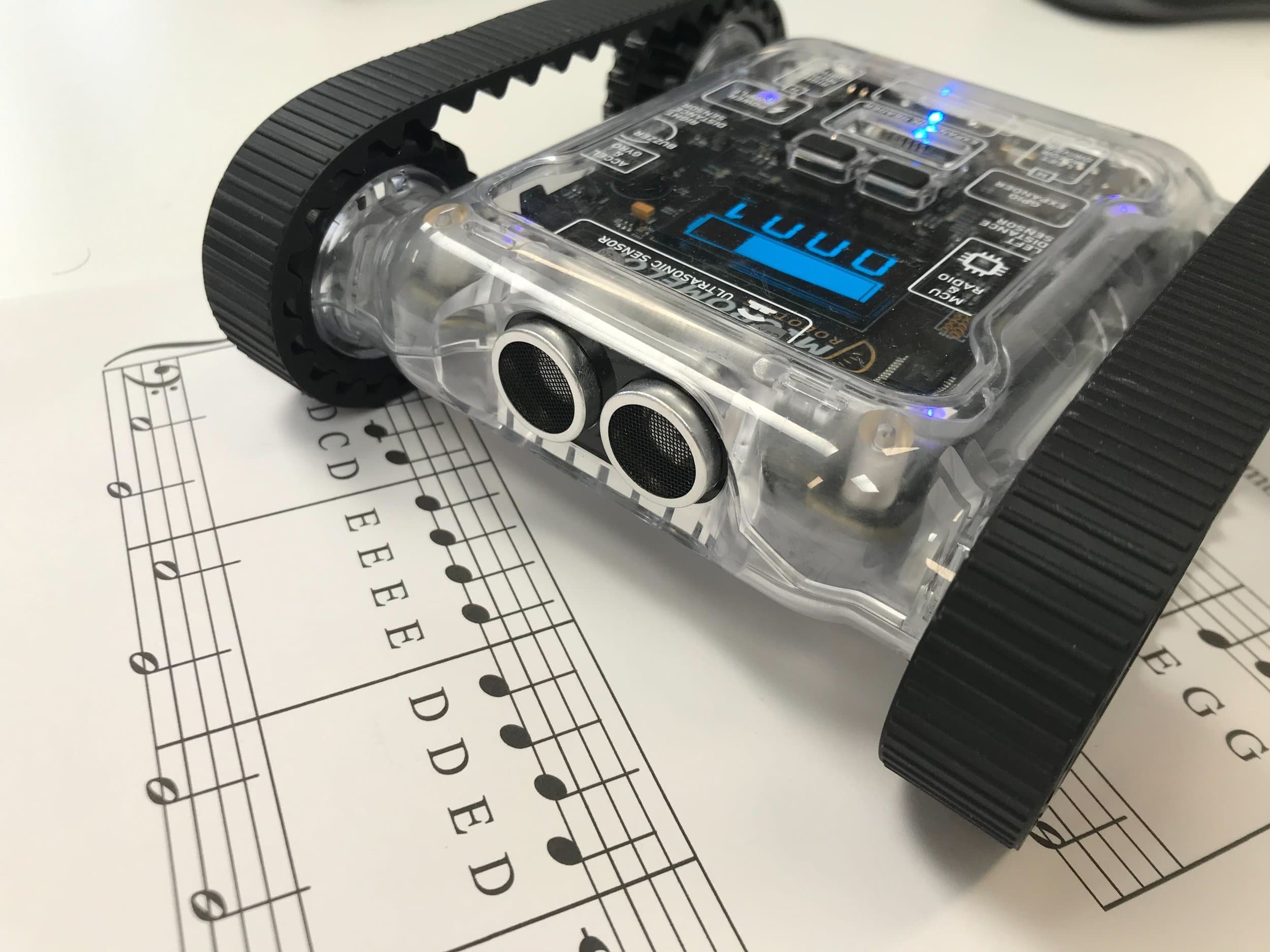
Making Music III
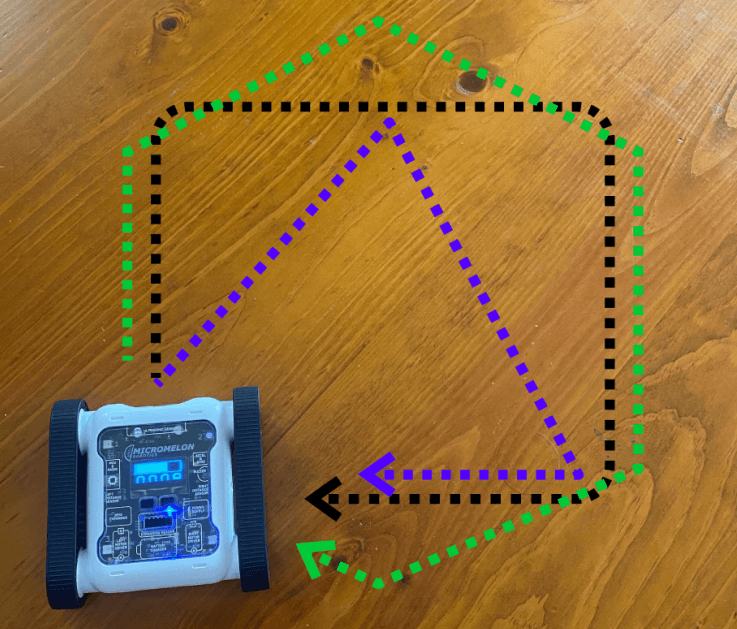
Driving Shapes 2
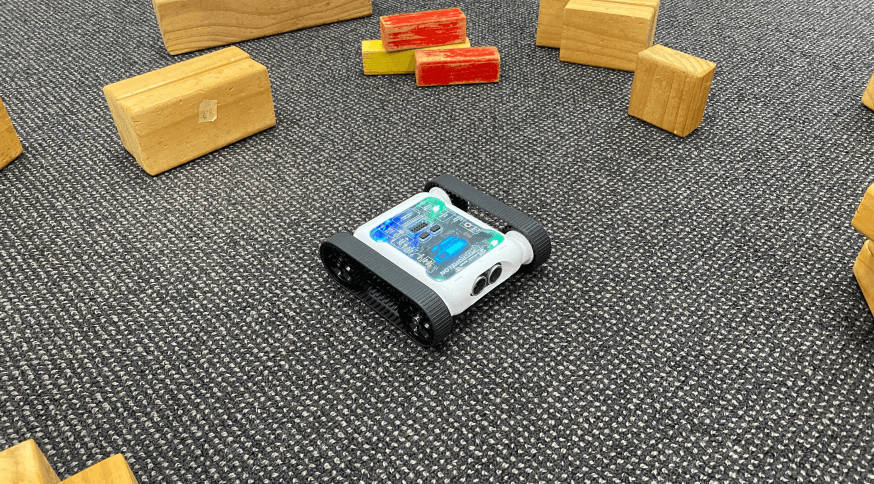
Survey Bot
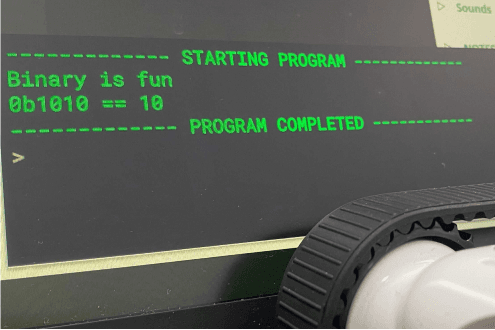
Binary Bot
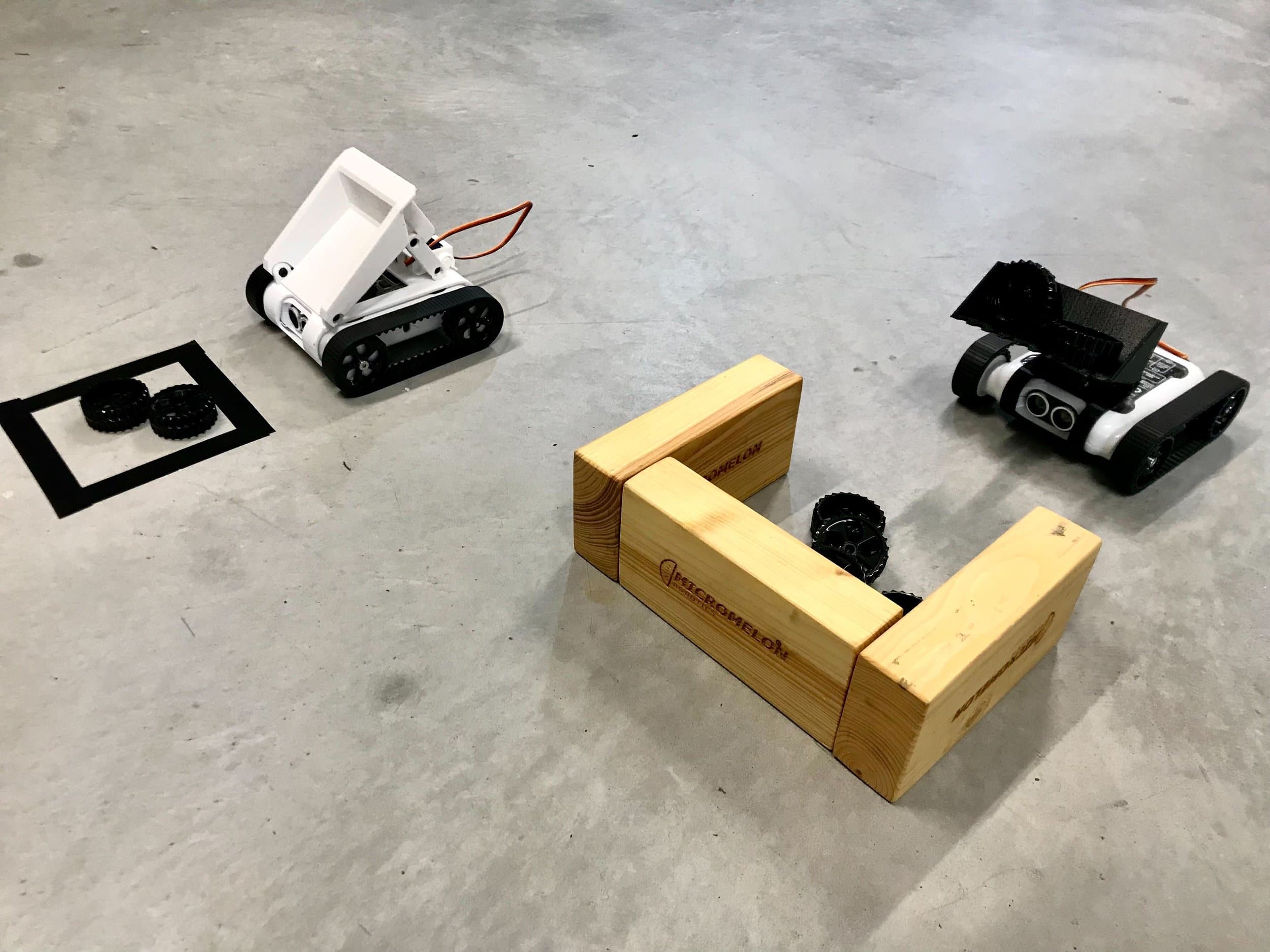
Digger and Tipper
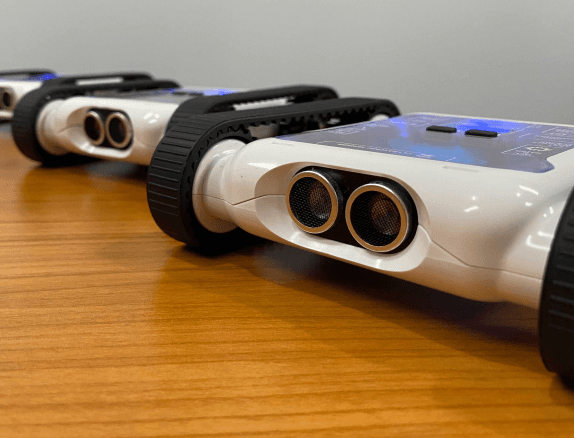
Dance Dance Rover-lution
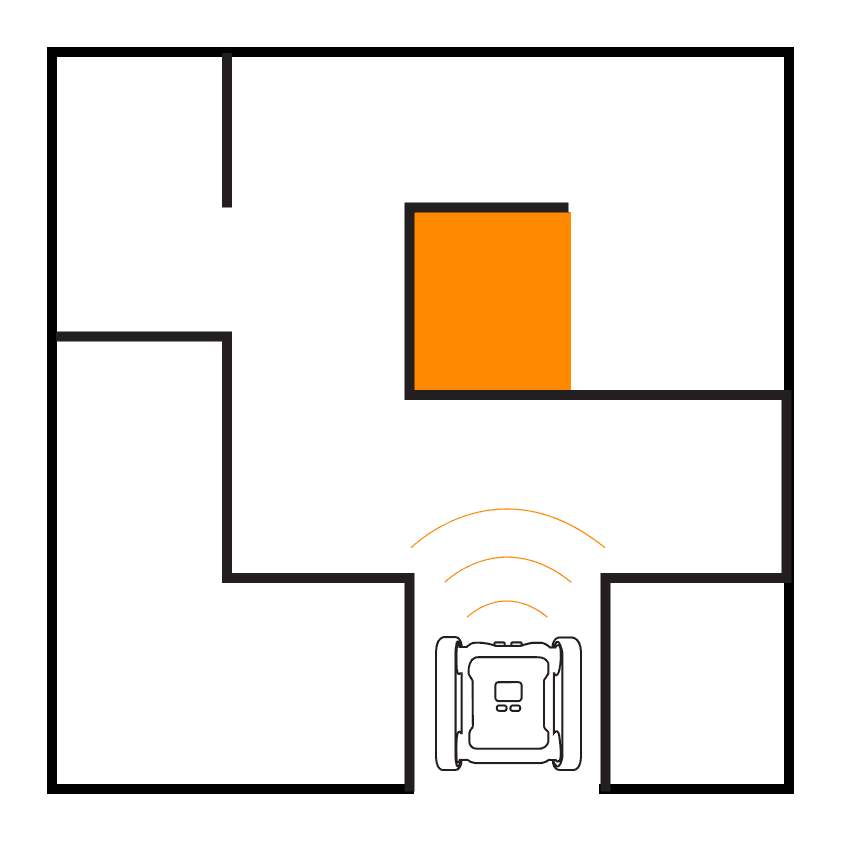
Maze II
Maze III
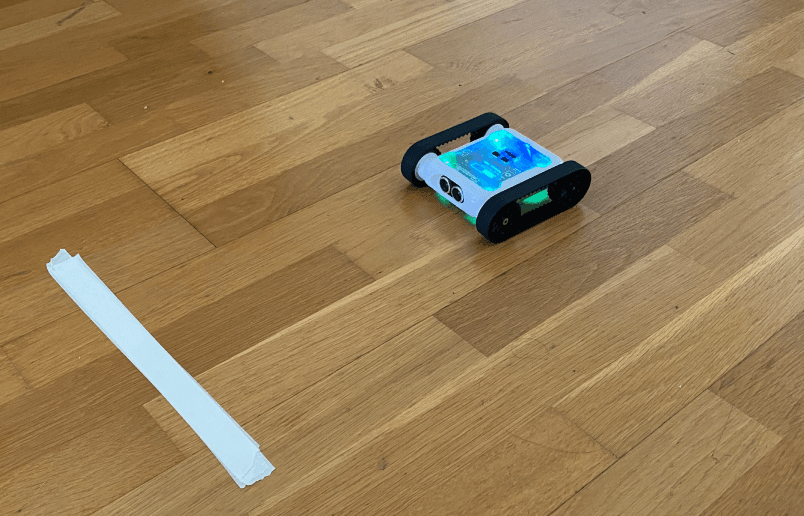
Stop On Colour Change
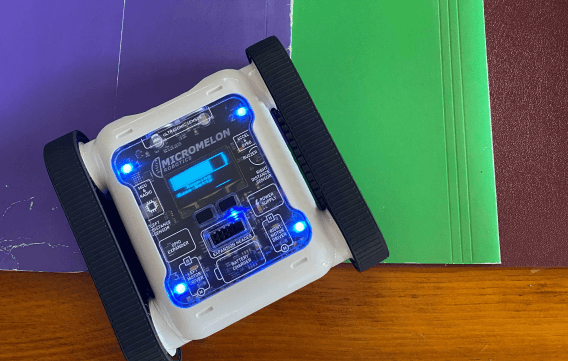
Colourful Sounds
Maze I
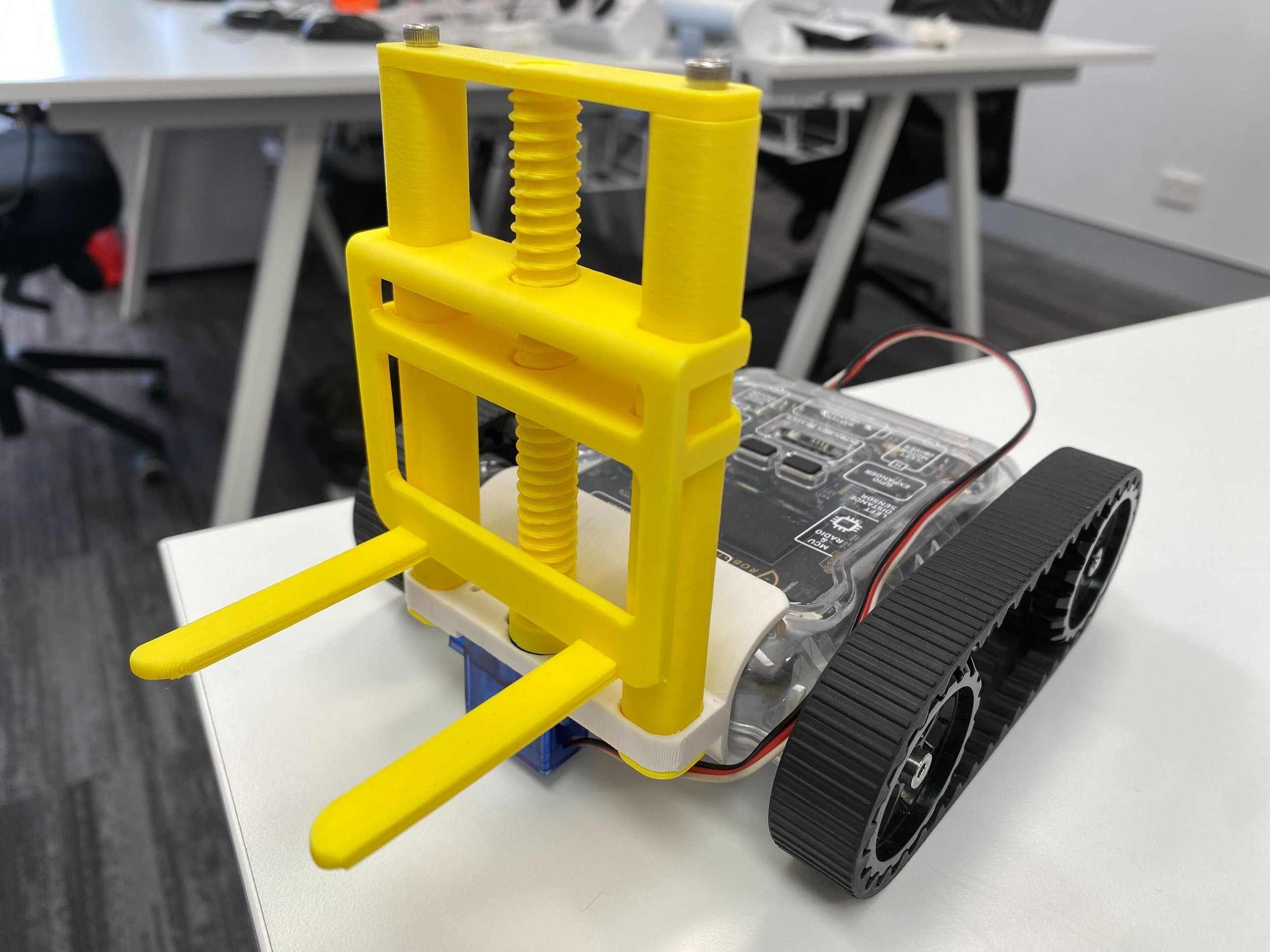
Forklift Attachment
Built for the Classroom
Designed to be durable, expandable, and easy for teachers to manage.
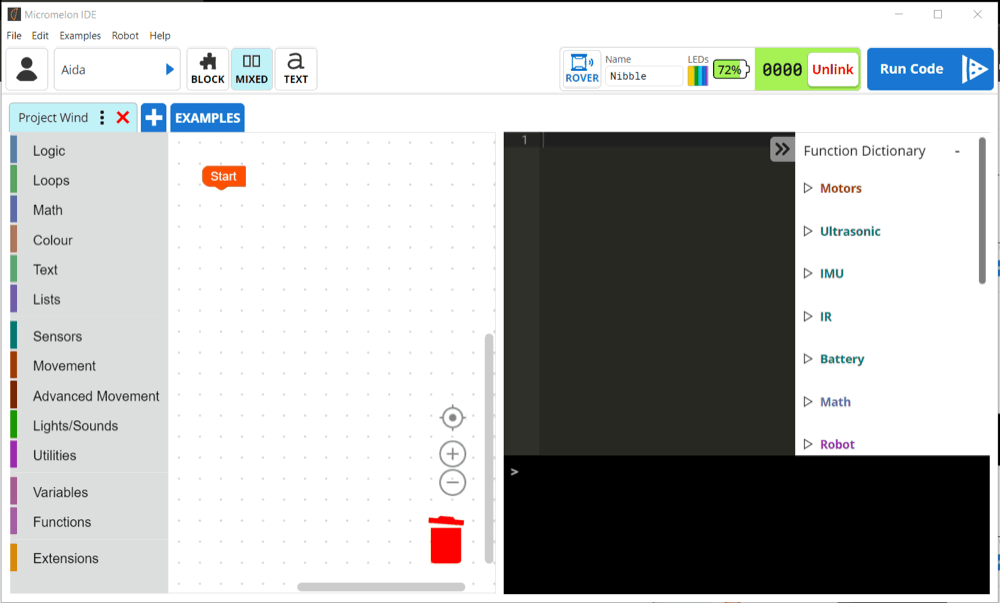
No Experience Needed
Teachers don't need coding experience to run lessons. Drag-and-drop blocks, guided activities, and classroom controls make it easy to get started.
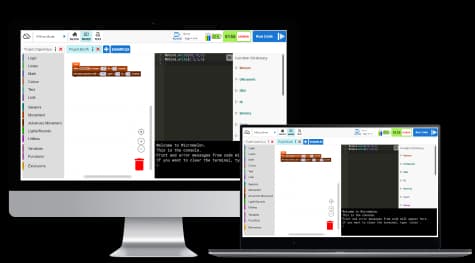
Works on Any Device
The Micromelon Code Editor runs on Windows, macOS, and iPads. Students can use whatever devices your school already has.
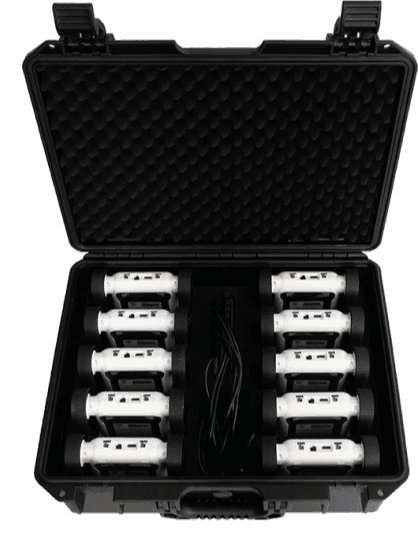
Easy to Manage
Class sets come in a hard carry case with an included charging dock. All ten robots charge at once from a single outlet.
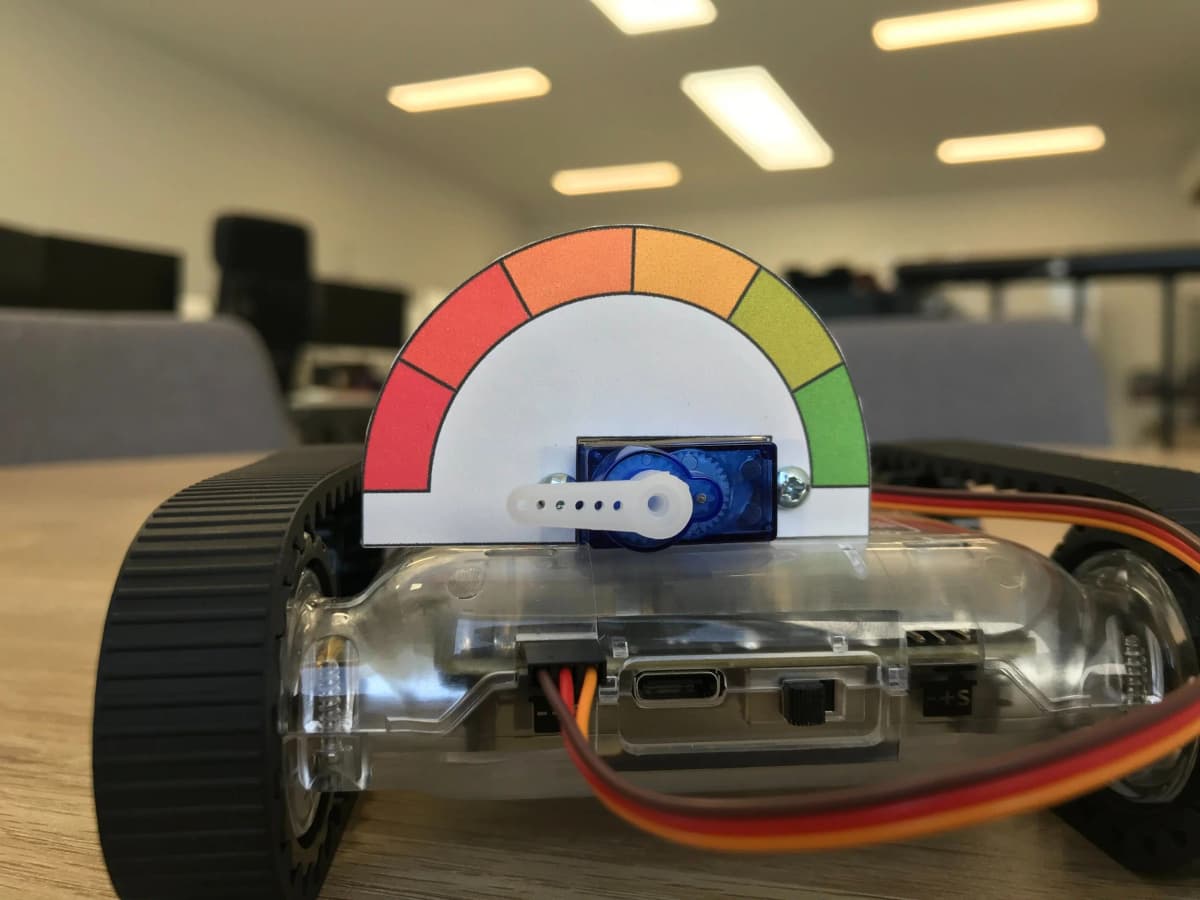
Add Your Own Electronics
Built-in expansion headers are compatible with Raspberry Pi, Arduino, and other 3rd party sensors and electronics.
From Blocks to Python
The Micromelon Rover is the hardware students use at every stage — from simplified blocks in Junior to professional Python.
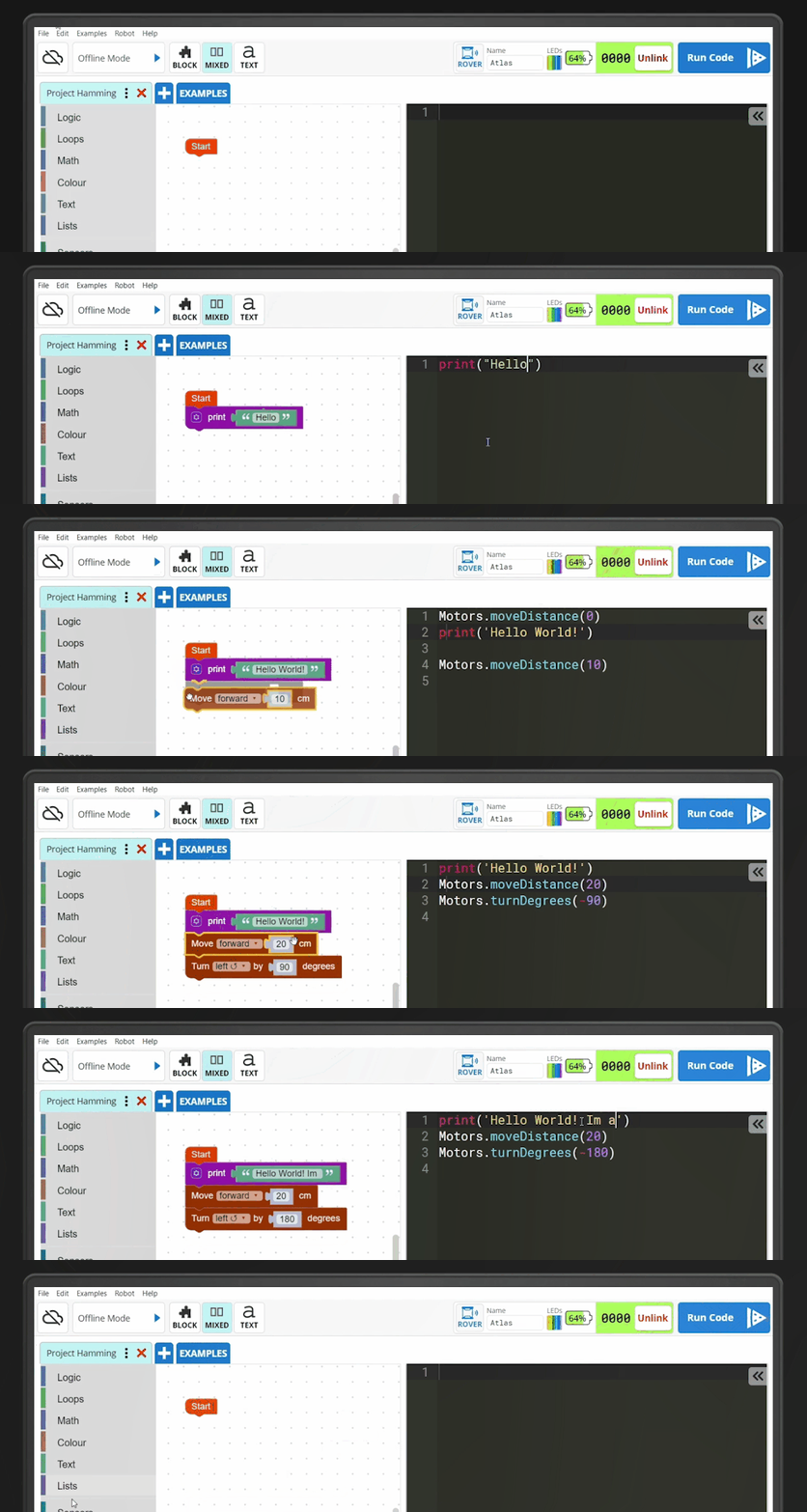
Curious How To Program The Rover?
The best thing about the Rover is how easy it is to program. Use blocks and text at the same time with our Code Editor.
Ready for More? Expand Your Rover
Once students are comfortable, optional 3D printed attachments open up new challenges. No printer? Buy them pre-printed.
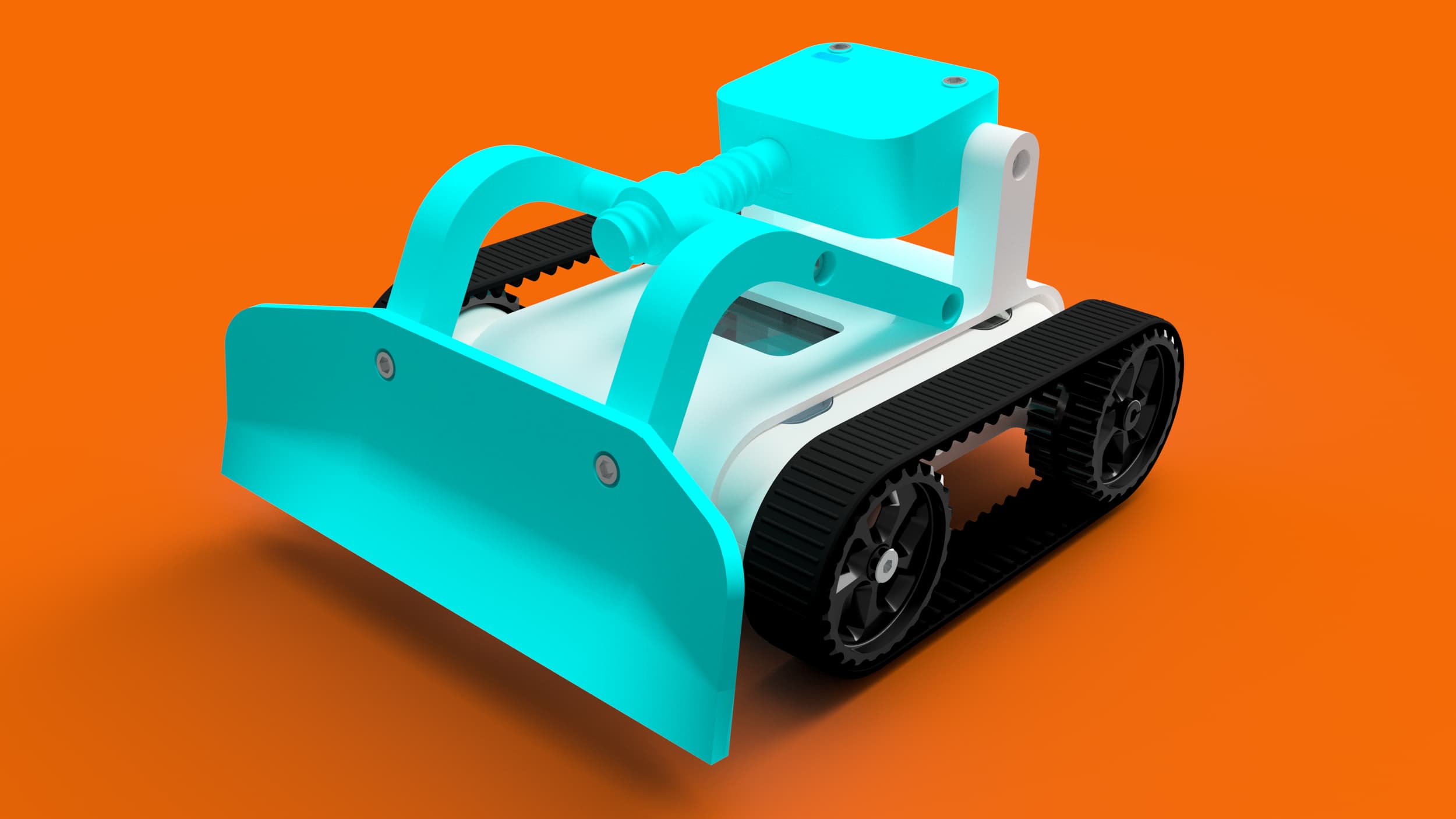
Bulldozer
Push objects and clear paths with a sturdy blade attachment.
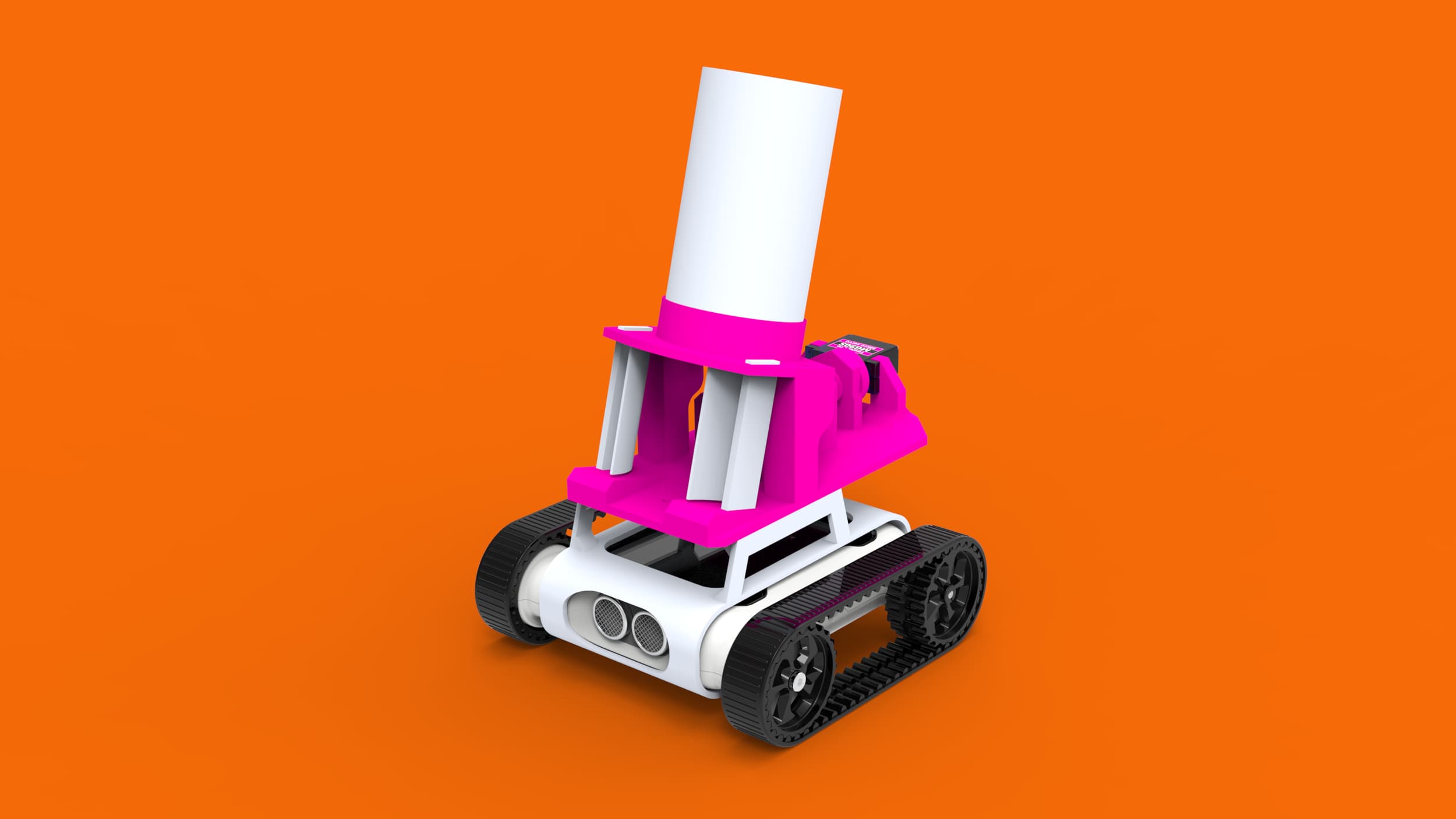
Ping Pong Shooter
A motorised shooter for target practice and projectile motion lessons.
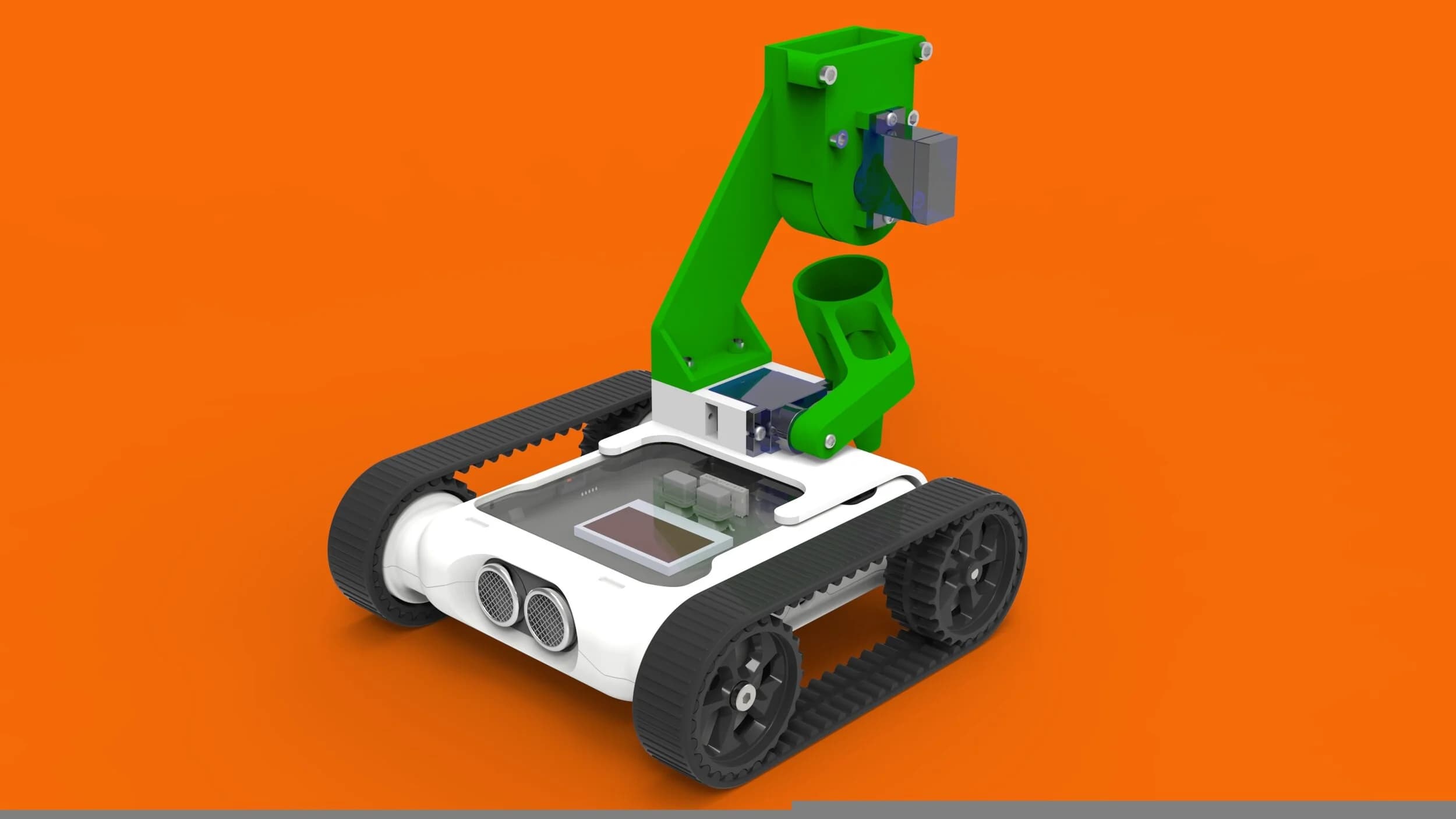
Seed Planter
Deposit seeds at precise intervals -combining agriculture and coding.
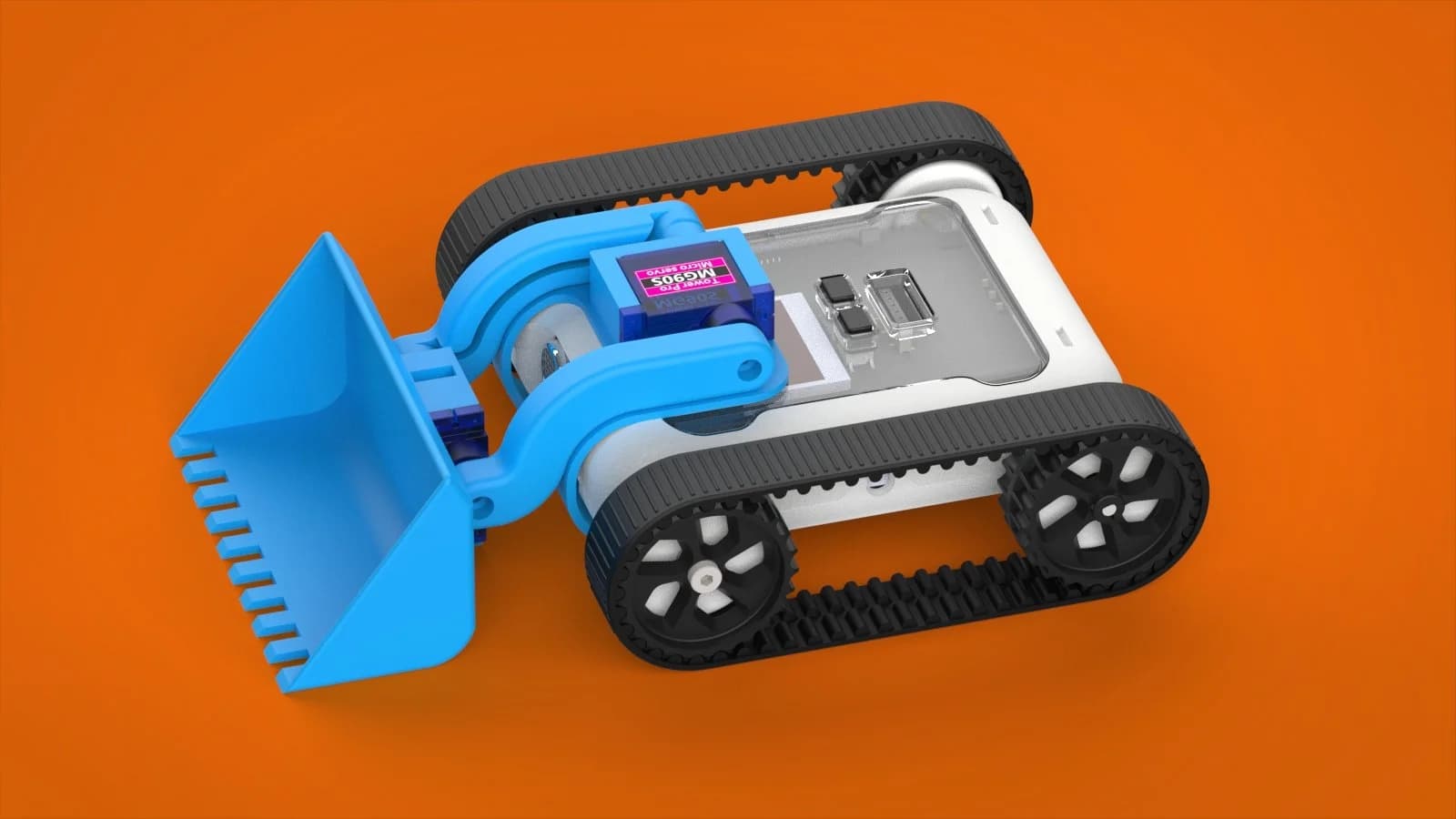
Digger
An articulated arm to scoop and move materials with servo control.
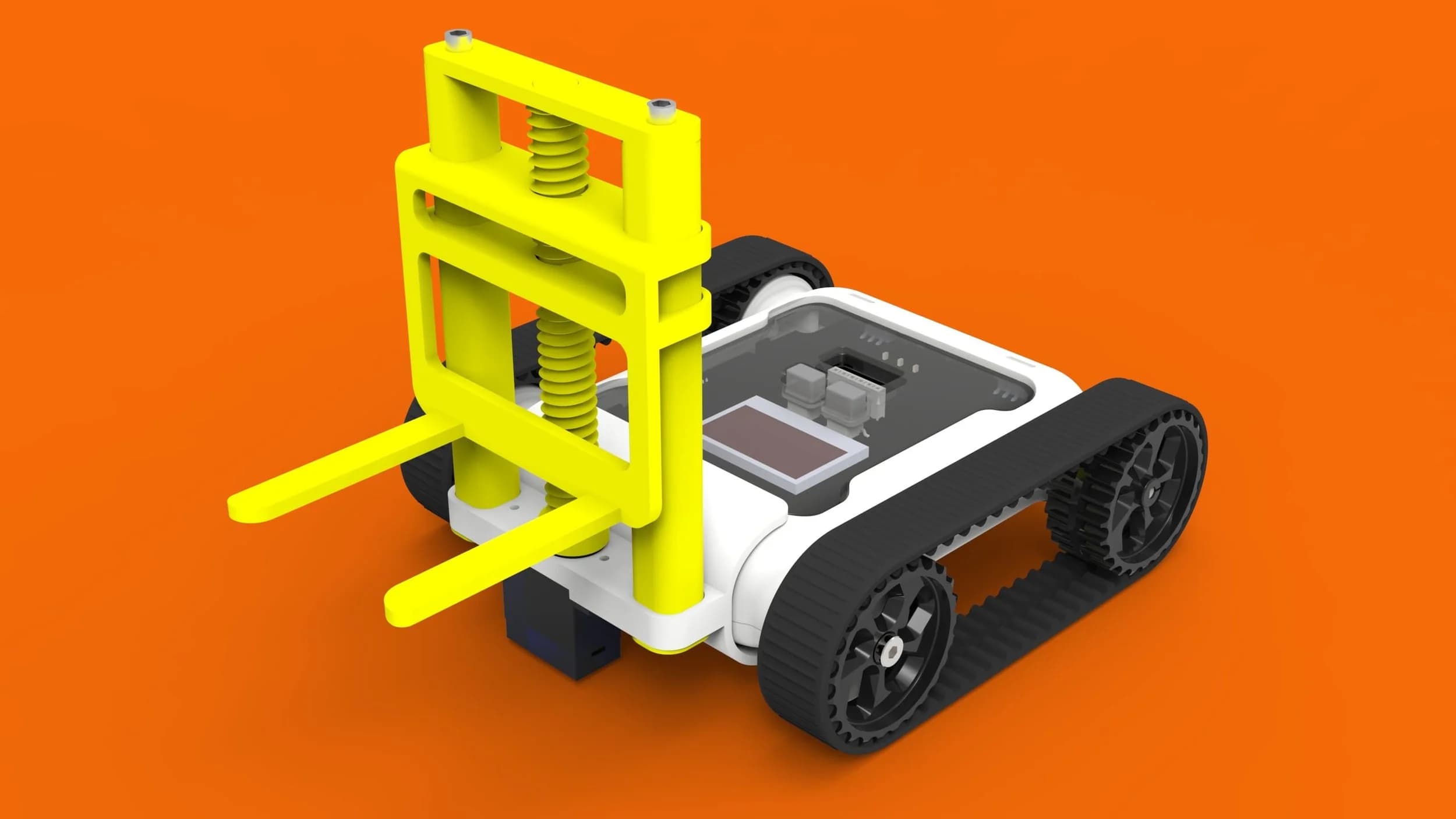
Forklift
Lift, carry, and place objects with servo-powered programmable precision.
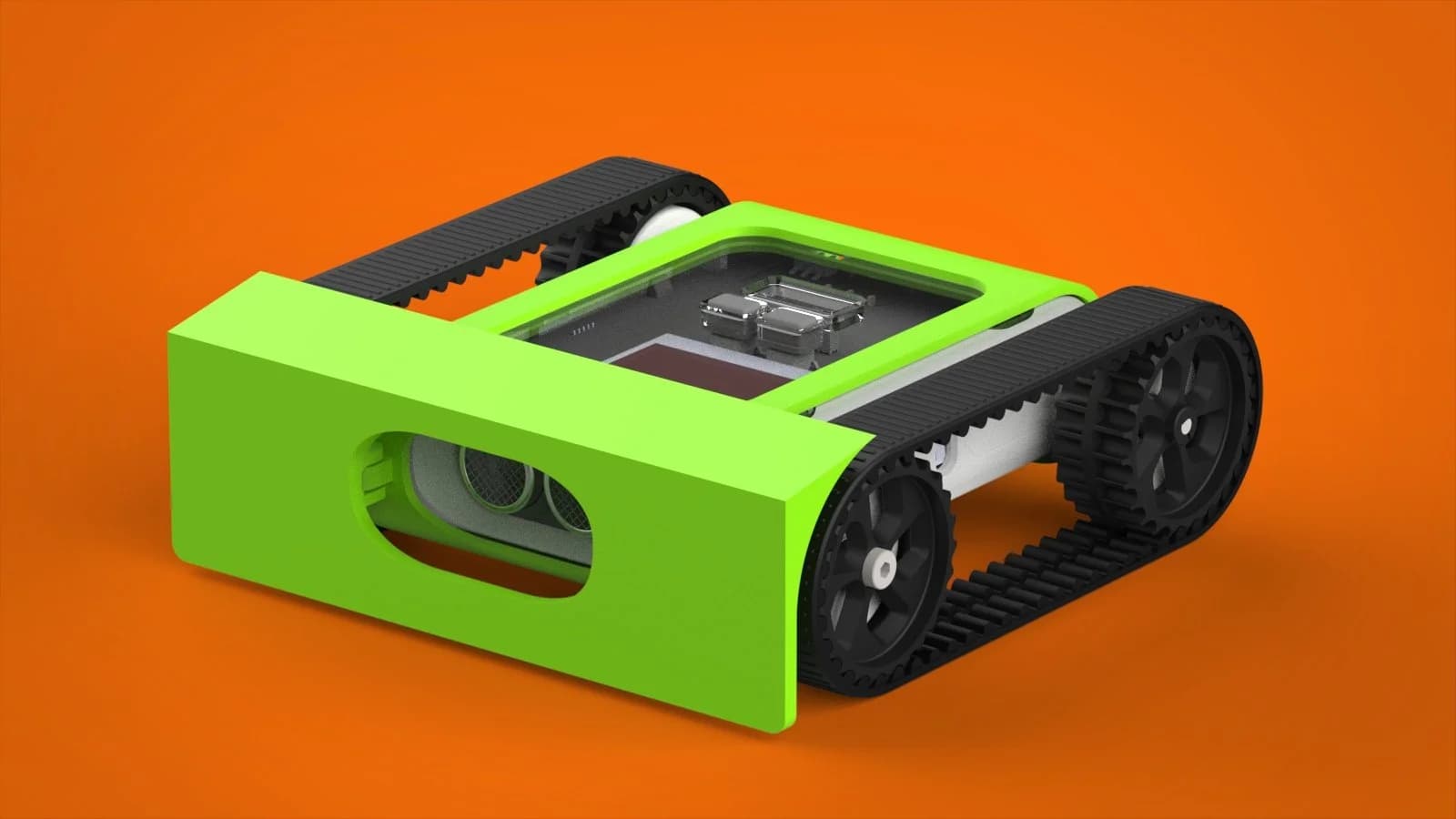
Sumo Flat Scoop
Wide flat scoop for maximum contact area in sumo battles.
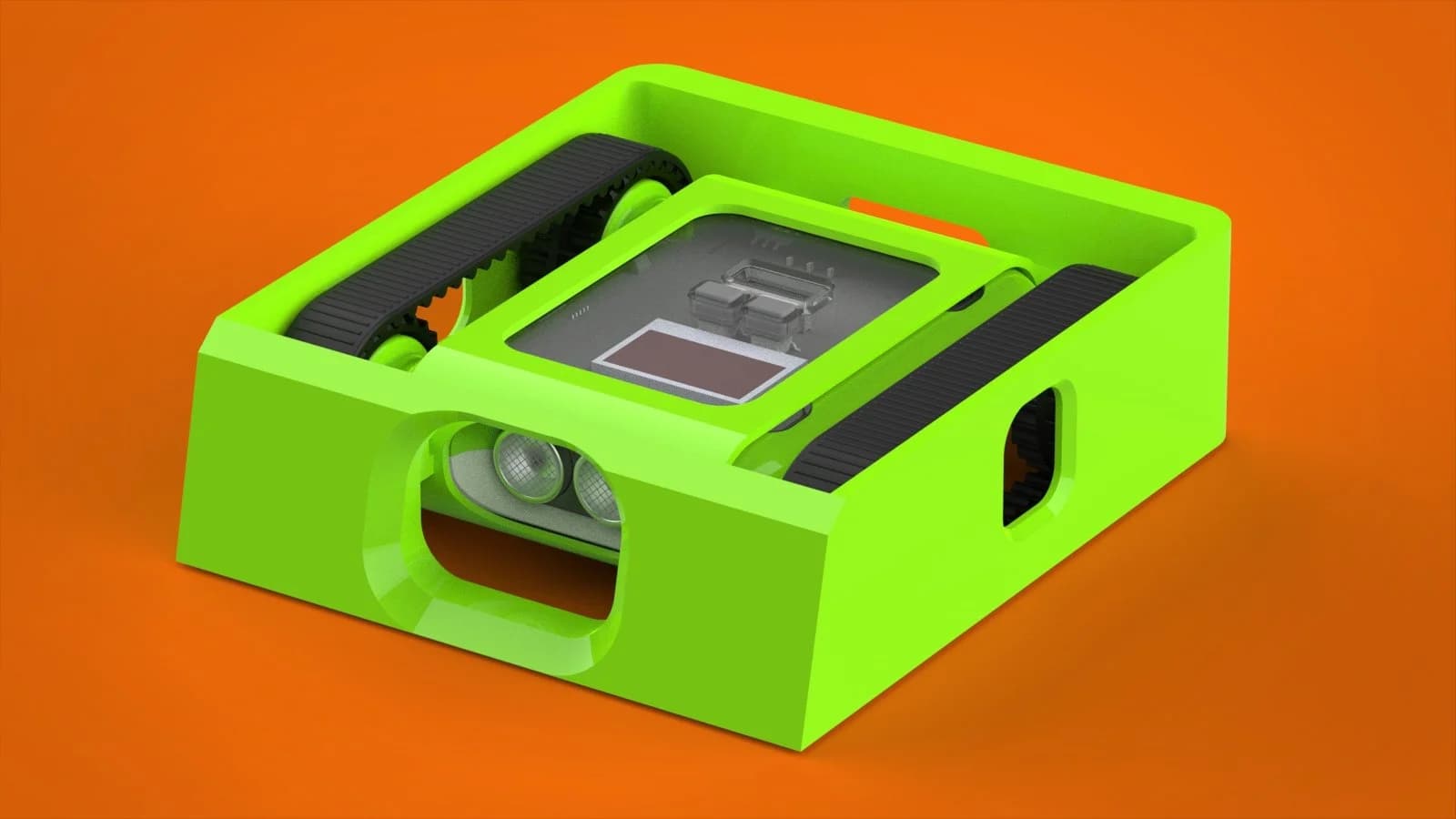
Sumo Brick Scoop
Low-profile scoop to get under opponents in sumo competitions.
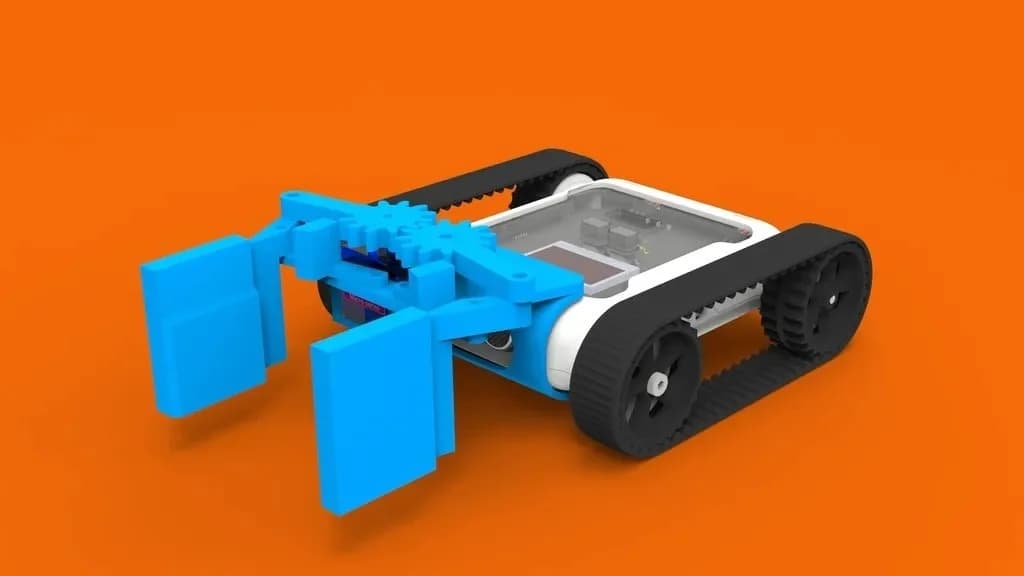
Claw
A servo-driven gripper for sorting tasks and rescue challenges.
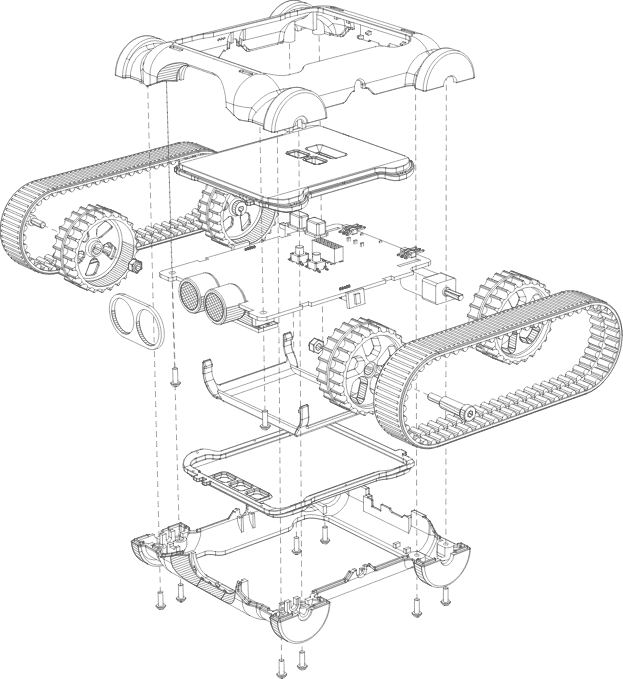
Tech Specs
Everything students need to explore robotics, electronics, and programming — built into one compact robot.
Sensors
- Ultrasonic Distance
- Measure distance to objects up to 2 m away
- 3x Colour Sensors
- Detect colours and line markings on the ground
- 2x IR Distance
- Short-range proximity detection on left and right
- 3-Axis Accelerometer
- Sense tilt, impacts, and orientation changes
- 3-Axis Gyroscope
- Track rotation and angular velocity
- Battery Sensor
- Monitor voltage and current in real time
Motors
- 2x Motorised Tracks
- Differential drive for precise movement and turning
- 2x Servo Connectors
- Plug in servo motors for arms, grippers, and more
Output
- 8x RGB LEDs
- Programmable colour LEDs for feedback and display
- Buzzer
- Play tones and melodies through code
Power & Expansion
- 3000 mAh Battery
- Rechargeable lithium battery built in
- USB-C Charging
- Standard USB-C port for fast, convenient recharging
- 6 Hour Battery Life
- A full day of classroom use on a single charge
- 2 Hour Charge Time
- Quick turnaround between classes
- Bluetooth Connectivity
- Wireless connection to tablets, laptops, and desktops
- Universal Header
- Connect Raspberry Pi, Arduino, and 3rd party electronics
- 3D Print Mount
- Clip-on expansion points for custom student designs

Designed, Tested & Made in Australia
Every Micromelon Rover is designed, assembled, and tested right here in Australia.