
Code Editor & Classroom Organizer
Software that makes coding easier for students and gives flexibility to teachers. Switch between blocks, text, or both.
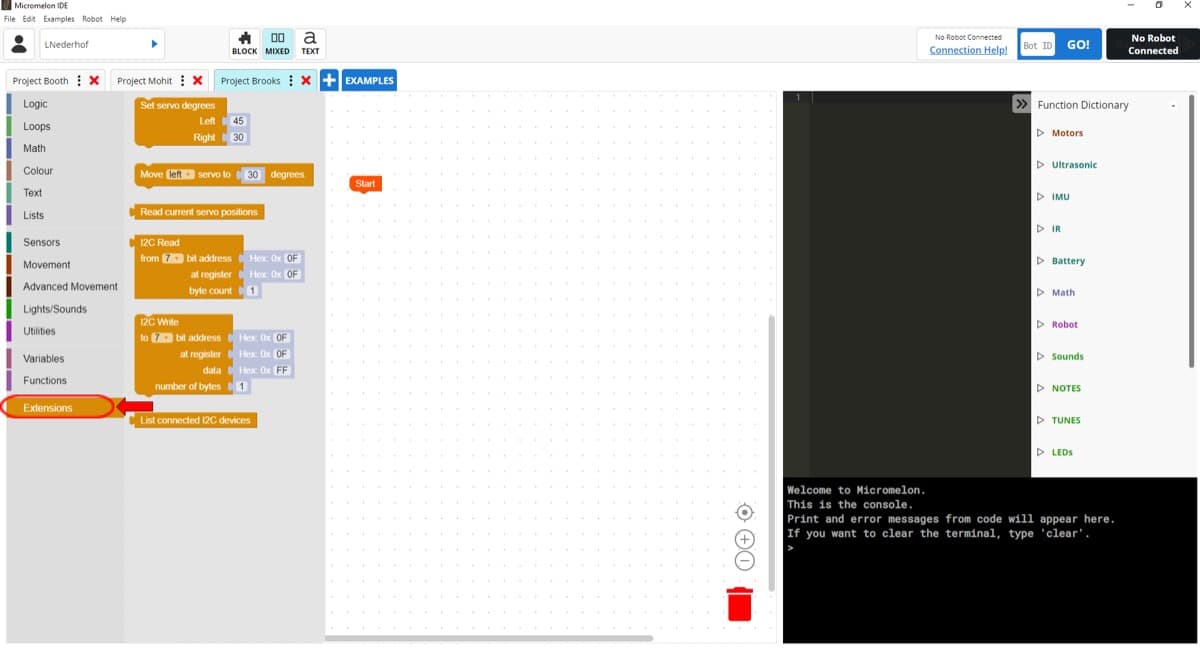
Three Ways to Code
Students can work the way that suits them best, and teachers can set the view for the whole class.
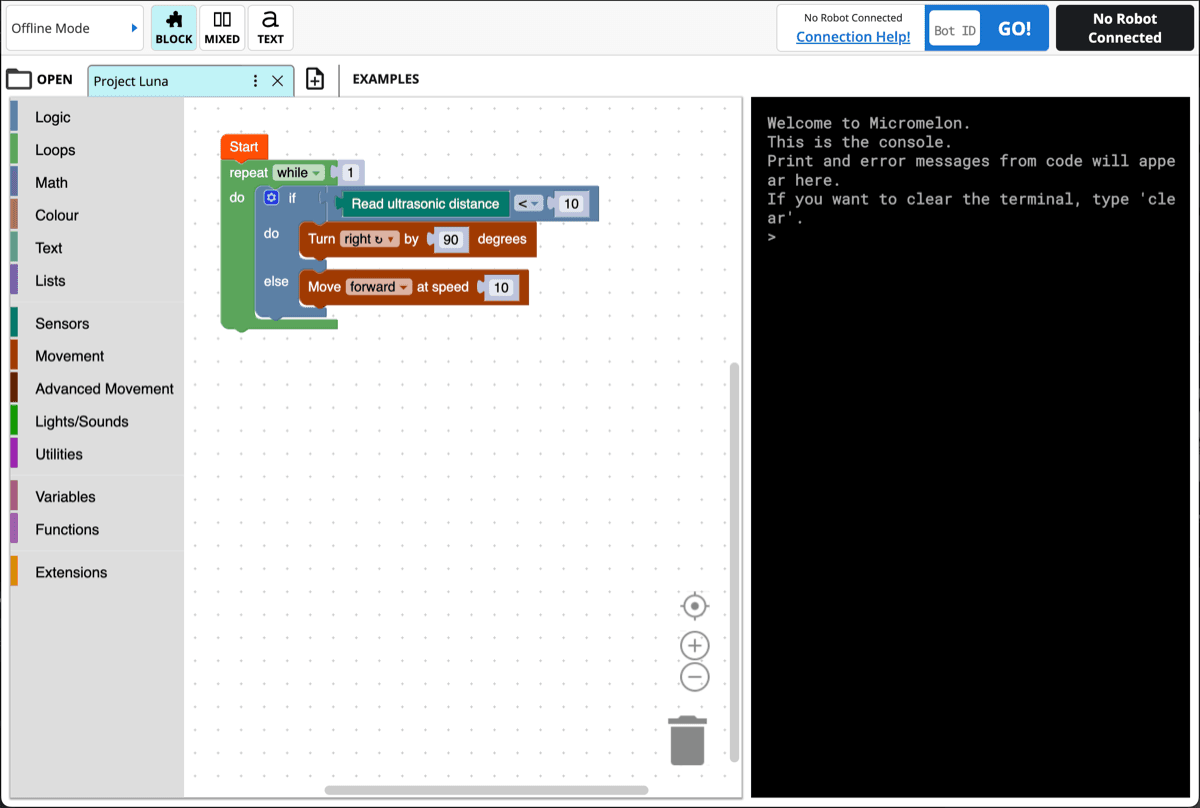
Block Mode
Drag and drop code blocks from categorised menus. Great for beginners learning programming concepts without syntax worries.
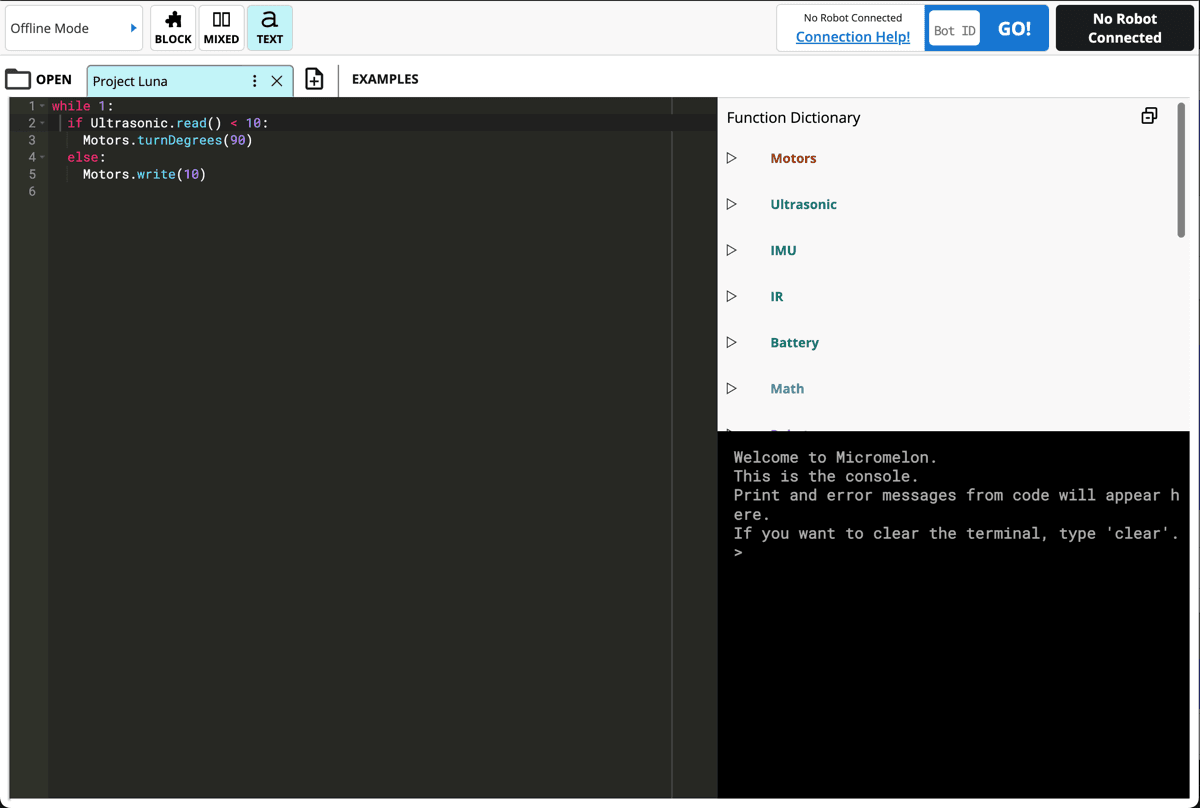
Text Mode
Write Python code directly with syntax highlighting, a built-in function dictionary, and a live console for debugging.
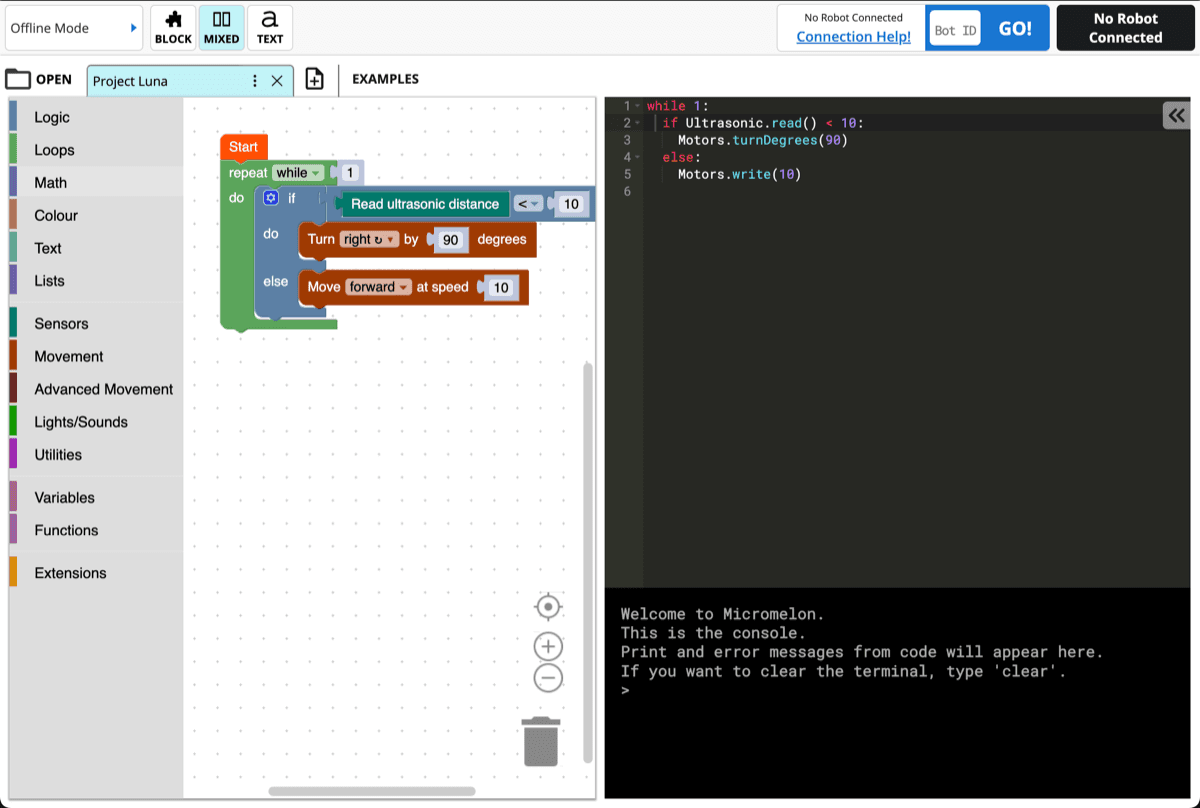
Mixed Mode
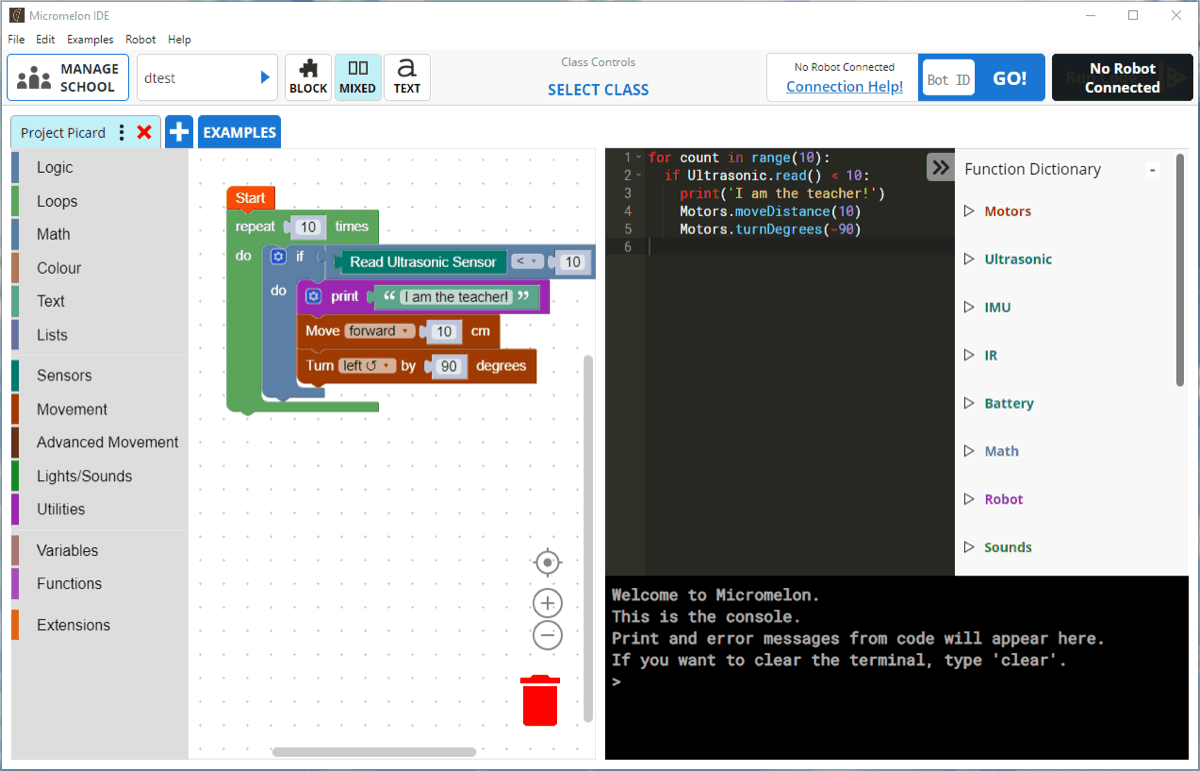
See blocks and text side-by-side with real-time translation between them. Watch how blocks become Python code as you build.
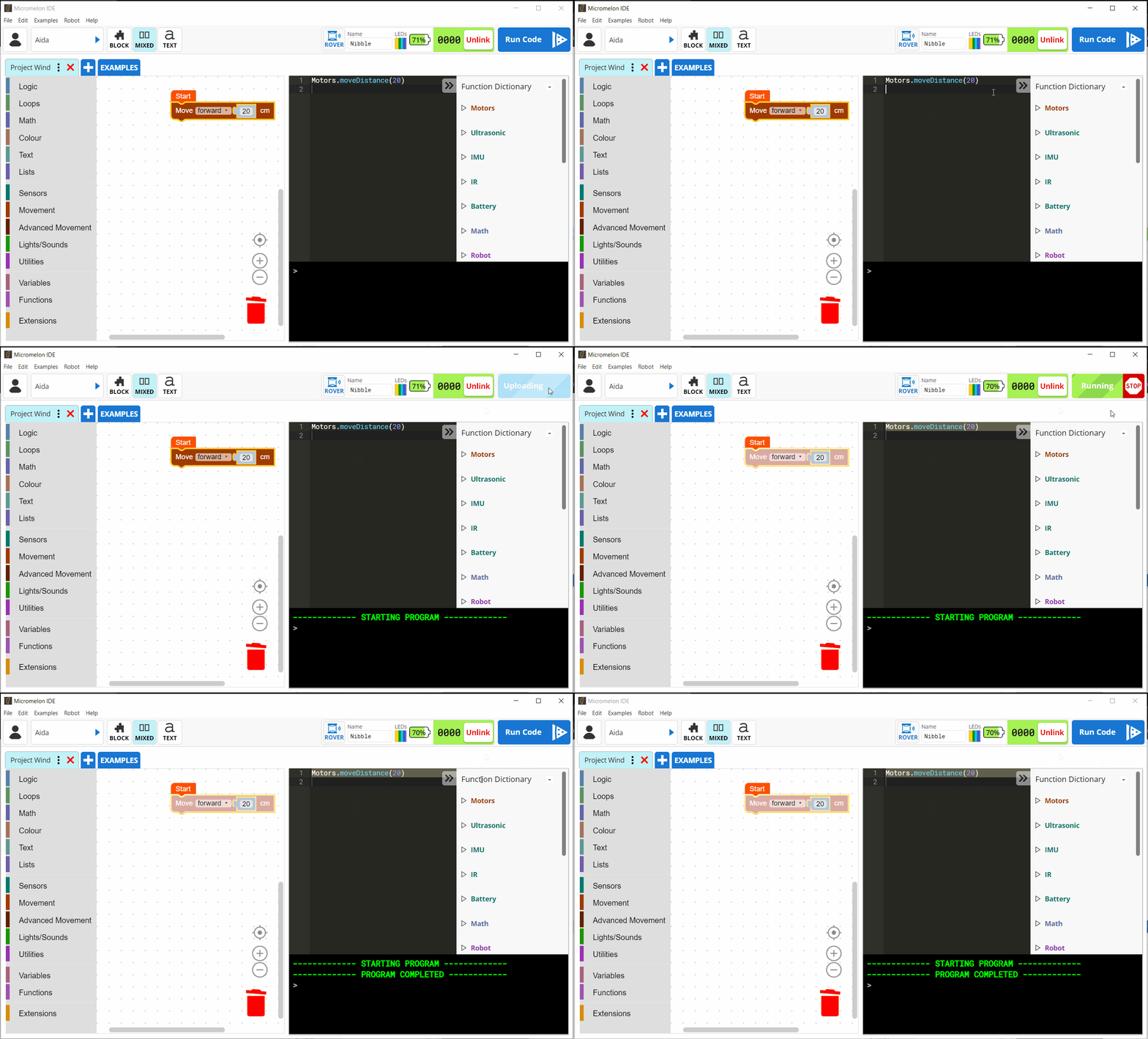
Real-Time Code Highlighting
Watch the rover execute your code line by line. Both the block and text views highlight in real time so students can see exactly what their code is doing and debug issues quickly.
- Blocks and text highlight simultaneously as code runs
- Built-in Function Dictionary for quick reference
- Console output for print statements and error messages
Classroom Management
The Micromelon Code Editor is designed to make teaching Digital Technologies as easy as possible.
Full Control of Student Devices
Manage your entire class from a single dashboard. Control what students can see and do, share your screen, and monitor progress in real time.
- Disable or mute student robots
- Hide student screens for attention
- Share your screen with the class
- View student work any time
- Quick Join Code for easy class setup
More Features
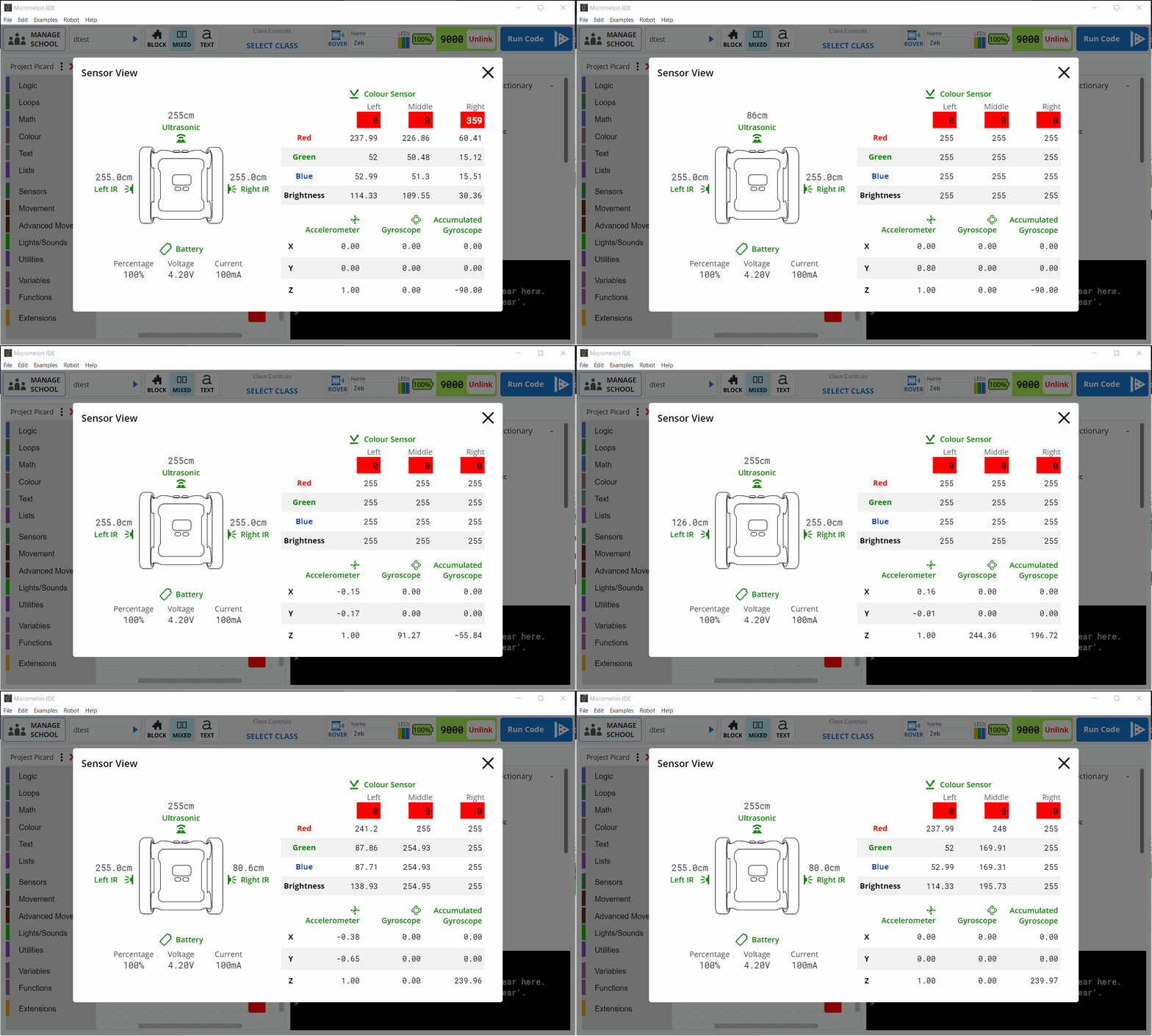
Sensor View
A live dashboard showing all sensor data from the rover in real time. See colour, IR, ultrasonic, and gyro readings as they change.
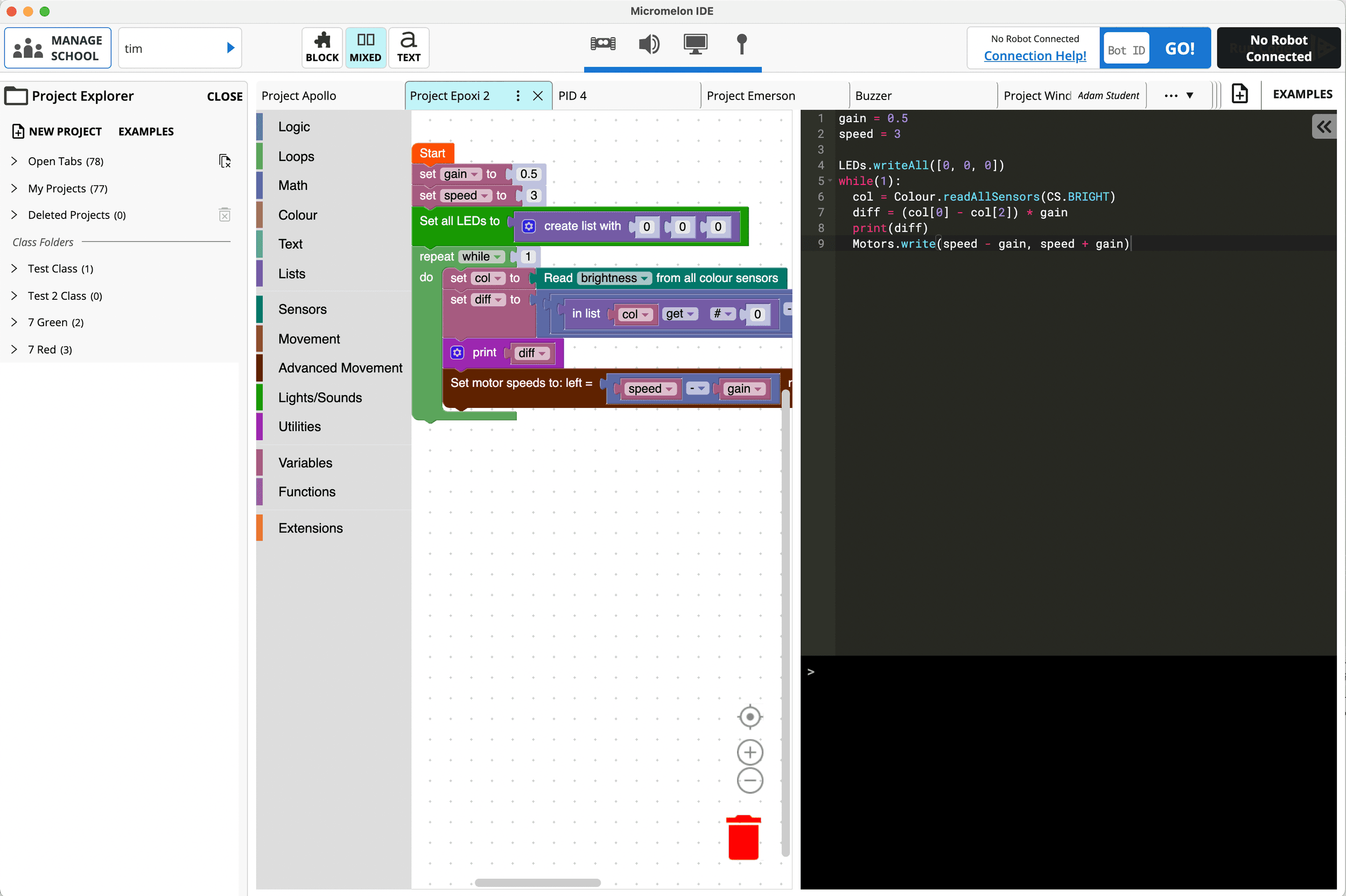
Project Explorer
Students can save and manage multiple projects. Pick up where you left off from any computer with the Code Editor installed.

Python Library
Advanced students can move beyond the Code Editor and control their rover from any Python environment, including VS Code and PyCharm, using the Micromelon Python library.
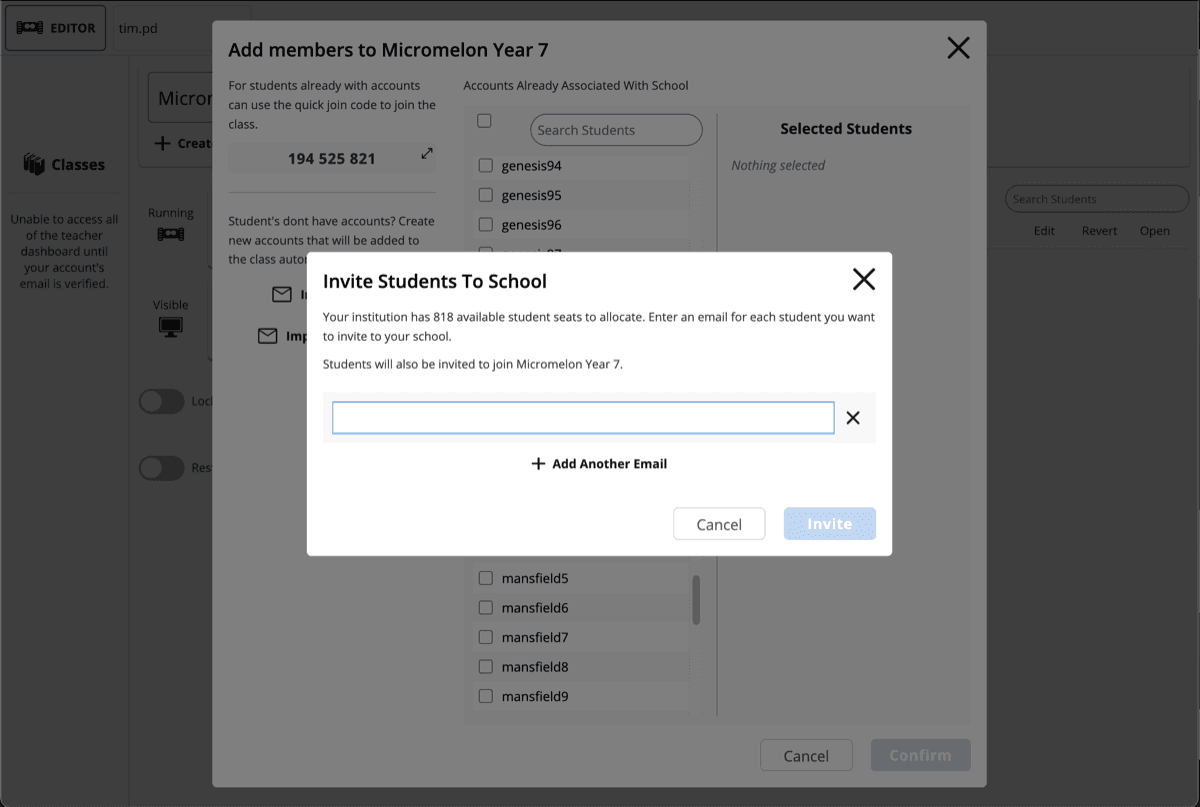
Login with Microsoft, Google or Create Accounts
Students can sign in with their school Microsoft or Google account, or teachers can create simple username-only accounts with no personal information required.
System Requirements
Windows 10 Version 1703 or later · macOS 10.10 or later · Bluetooth 4.0 LE · 2GB RAM
From Blocks to Python
Students start with simplified blocks in Junior, progress to the Code Editor's block and text modes, then advance to professional Python.
Want To Start Coding Without A Rover?
Try the Robot Simulator to get started with coding right away, no hardware needed.