
Get the Tools
Download the Micromelon Code Editor, Robot Simulator, and more. Everything you need to start coding with the Micromelon Rover.
For Teachers & Students
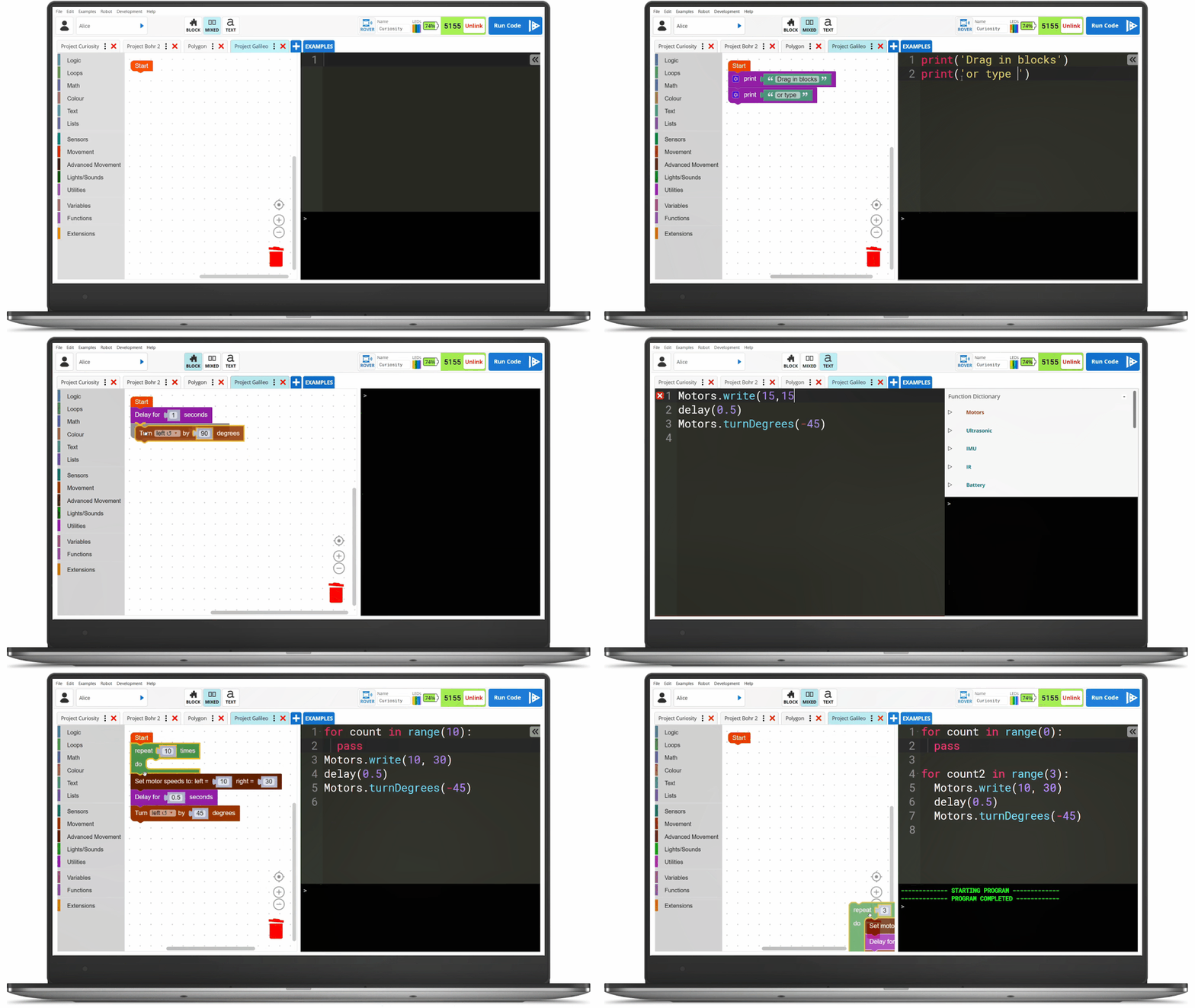
The Code Editor
Our blocks & Python coding environment to program the Micromelon Rover and the Robot Simulator. Start with drag-and-drop blocks and progress to Python with the side-by-side editor.
Available on

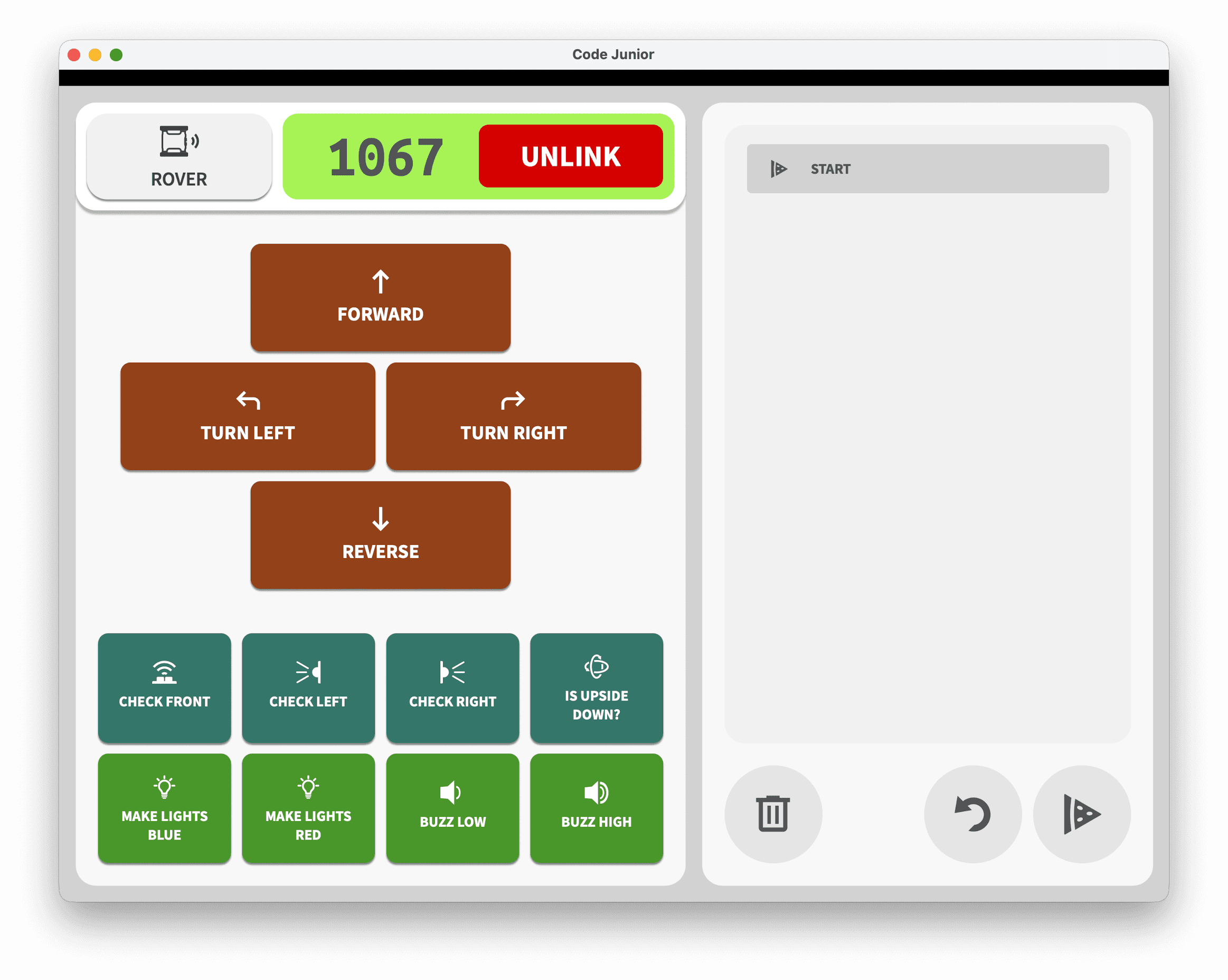
For Teachers
Micromelon Toolbox
Manage your fleet of Micromelon Rovers. Update firmware, configure settings, and keep every Rover in your classroom ready to code.
Available on

Advanced Tools

Micromelon-Py
A dedicated Python module providing an API for connecting and controlling Micromelon Rovers and simulated rovers. Perfect for senior students and advanced projects.
Install via pip:
$ pip install micromelonVS Code Plugin
Code with Micromelon directly inside Visual Studio Code. Connect to your Rover or the Robot Simulator without leaving your favourite editor.