
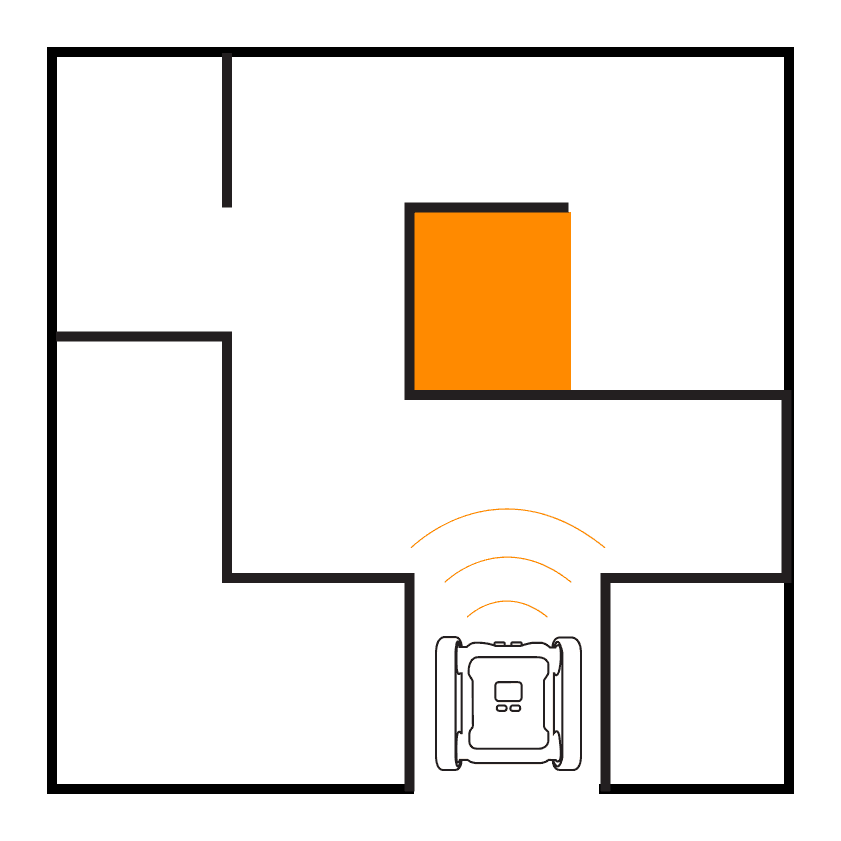
Take your maze solving to the next level. In this intermediate challenge, you'll use both IR sensors alongside the ultrasonic sensor to make smarter decisions at intersections and handle more complex maze layouts.
Activity Demonstration
Setup
Construct mazes with narrower pathways than in Maze I. Aim for 5-10cm clearance on each side of the rover. Include T-intersections and dead ends to force the rover to make more complex decisions.
Building On Maze I
In Maze I we used the ultrasonic sensor to check ahead and one IR sensor to decide which way to turn. This worked for simple mazes but falls apart when the maze has more complex intersections. Now we'll use both IR sensors to check left and right before deciding where to turn.
Stage 1: Check All Directions
Create variables for the wall distance on each side. Read both the left and right IR sensors as well as the ultrasonic sensor at each step. This gives the rover a complete picture of its surroundings.
Stage 2: Smarter Turning
With data from all three distance sensors, the rover can now make better decisions at intersections. Instead of always preferring left or right, prioritise based on which direction has more open space. Use nested IF/ELSE IF/ELSE blocks to handle the different combinations.
Stage 3: Add the Colour Sensor
Use the colour sensor to detect a coloured finish line at the end of the maze. When the rover detects the finish colour, it should stop and celebrate with LEDs or a buzzer sound.
Up Next
Ready for the ultimate maze challenge? In Maze III you'll add the gyroscope for precise turning and implement a wall-following algorithm.