
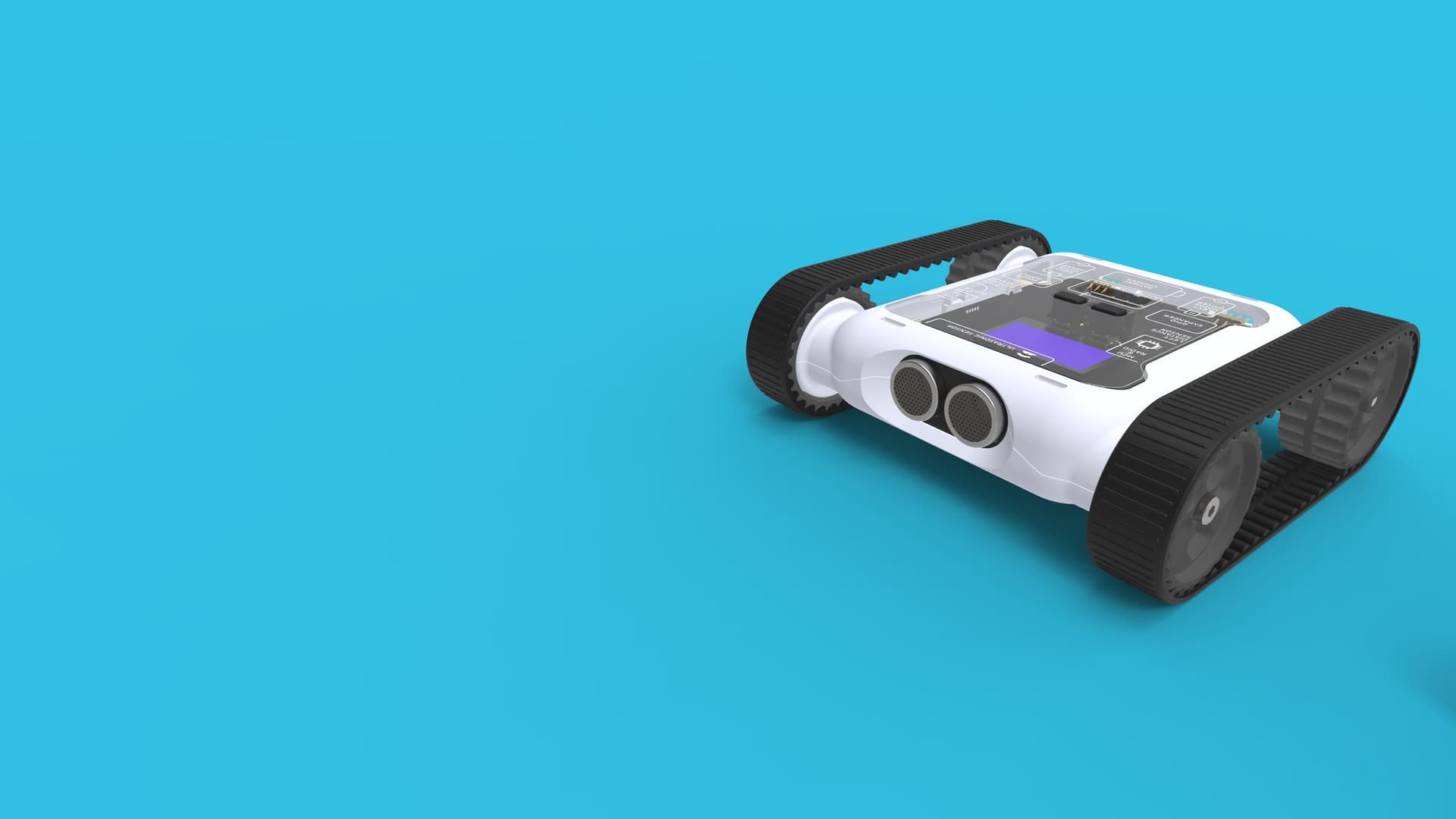
We know that when a rover goes down in a busy classroom, you need it fixed fast. That's why we've made the repair process as simple as possible — no phone calls, no back-and-forth emails. Just a quick online form and we handle the rest.
How It Works
The entire process starts from our Rover Repair Request page. Here's what to expect:
1. Submit the Form
Head to the Rover Repair Request page and fill in your details — your name, school, contact info, and which rovers need attention. You can describe the issue and submit multiple rovers in a single request.
The form takes less than two minutes to complete.
2. Fast Approval
Our team reviews every request and typically approves them within one hour during business hours. There's no waiting days for a support ticket to be picked up.
3. RMA Form & Instructions
Once approved, you'll receive an email with a PDF containing your RMA (Return Merchandise Authorisation) form and step-by-step instructions for packaging and shipping your rover back to us.
Everything you need is in that one email — no hunting through support portals or knowledge bases.
4. Diagnosis & Repair
When we receive your rover, our team will diagnose the issue and carry out the repair. We'll keep you updated throughout the process and get your rover back to you as quickly as possible.
Why We Built This
Teachers are busy. The last thing you need when a rover stops working is to navigate a complicated support process. We wanted something that respects your time:
- No phone queues — submit a request whenever it suits you
- No waiting — approvals typically happen within an hour
- One email — everything you need arrives in a single PDF
- Transparent — you always know where your rover is in the process
Covered Under Warranty
Every Micromelon Rover comes with a 12-month warranty covering manufacturing defects. If your rover is within warranty, repairs are covered at no cost. For out-of-warranty rovers, we'll provide a quote before proceeding with any work.
Get Started
If you have a rover that needs attention, head to the Rover Repair Request page and submit your request. We'll take it from there.